
First-Time Bangs Decision
Check whether fringe suits you before making a highly visible haircut change.
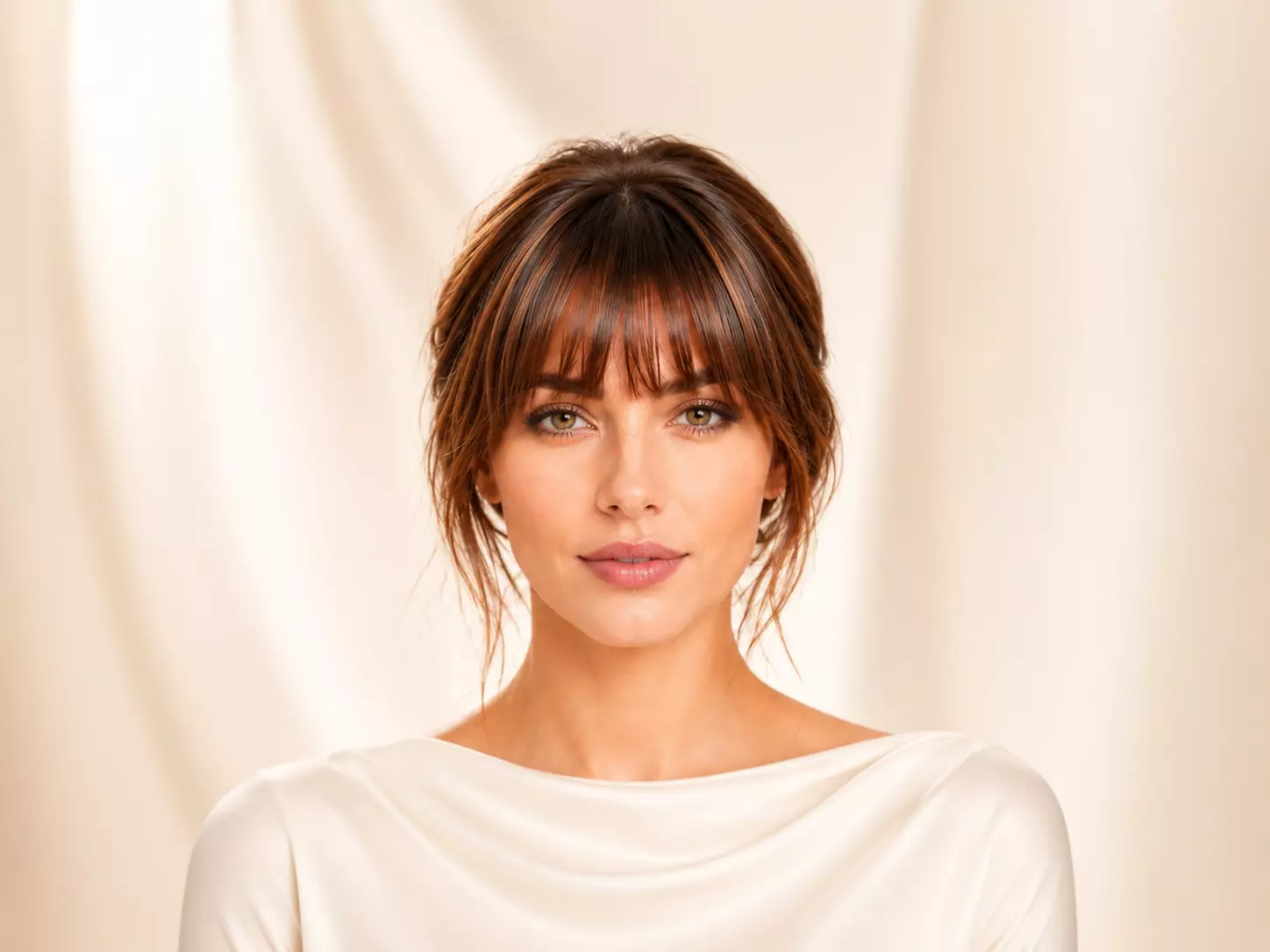
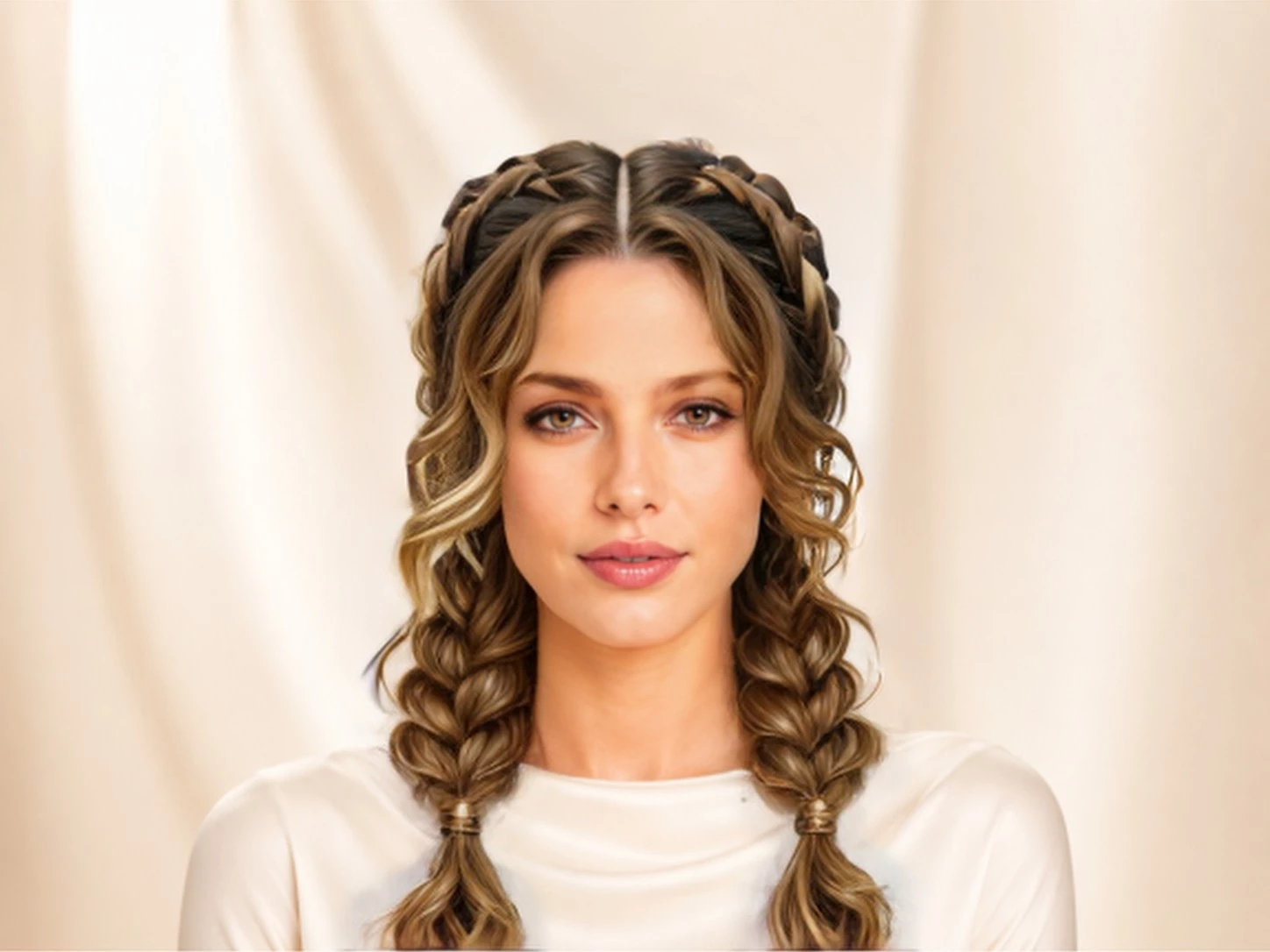
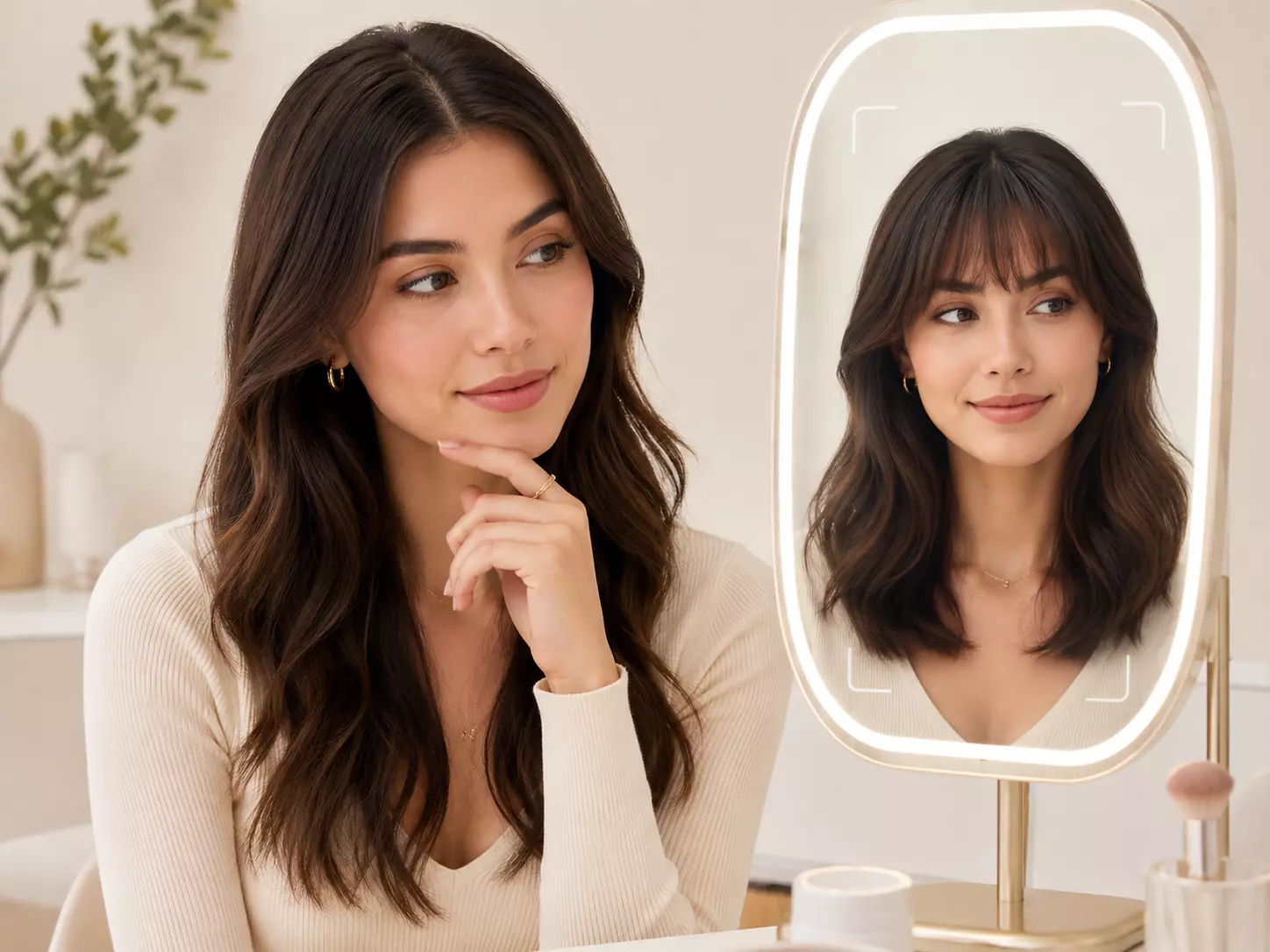
Try bangs on your photo with AI. Preview wispy, blunt, side-swept, choppy, baby bangs, and face-framing fringe before you cut.
Drag and drop your image here or click to select
Supports JPG, JPEG, PNG or WebP up to 20MB
From diverse styles and effects, find the hairstyle that suits you best.
Choose fringe with more confidence by checking length, density, and face balance on your own photo.
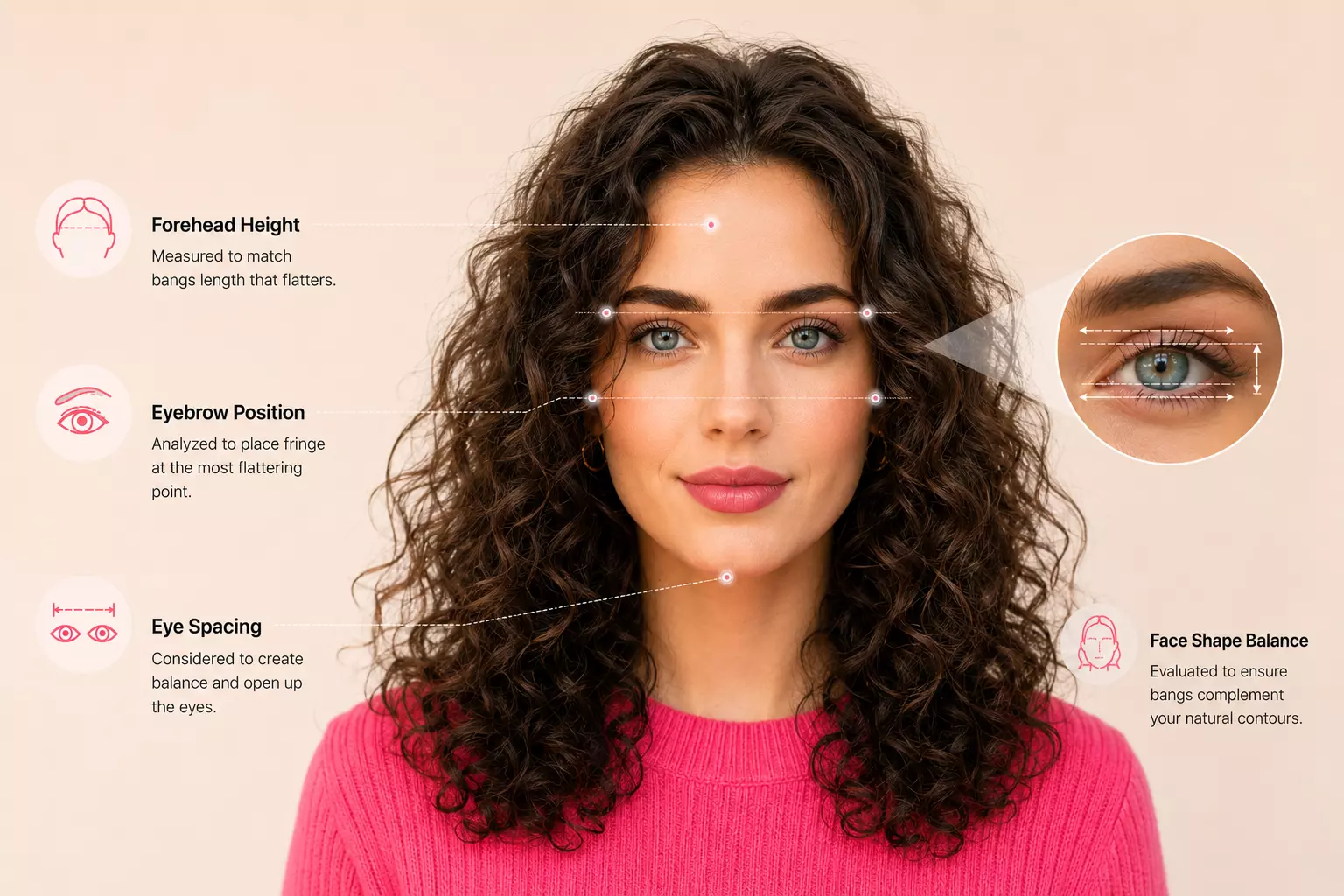
Bangs change the most expressive part of your face. The AI studies forehead height, eyebrow position, and eye spacing to preview fringe that opens the eyes instead of hiding them.
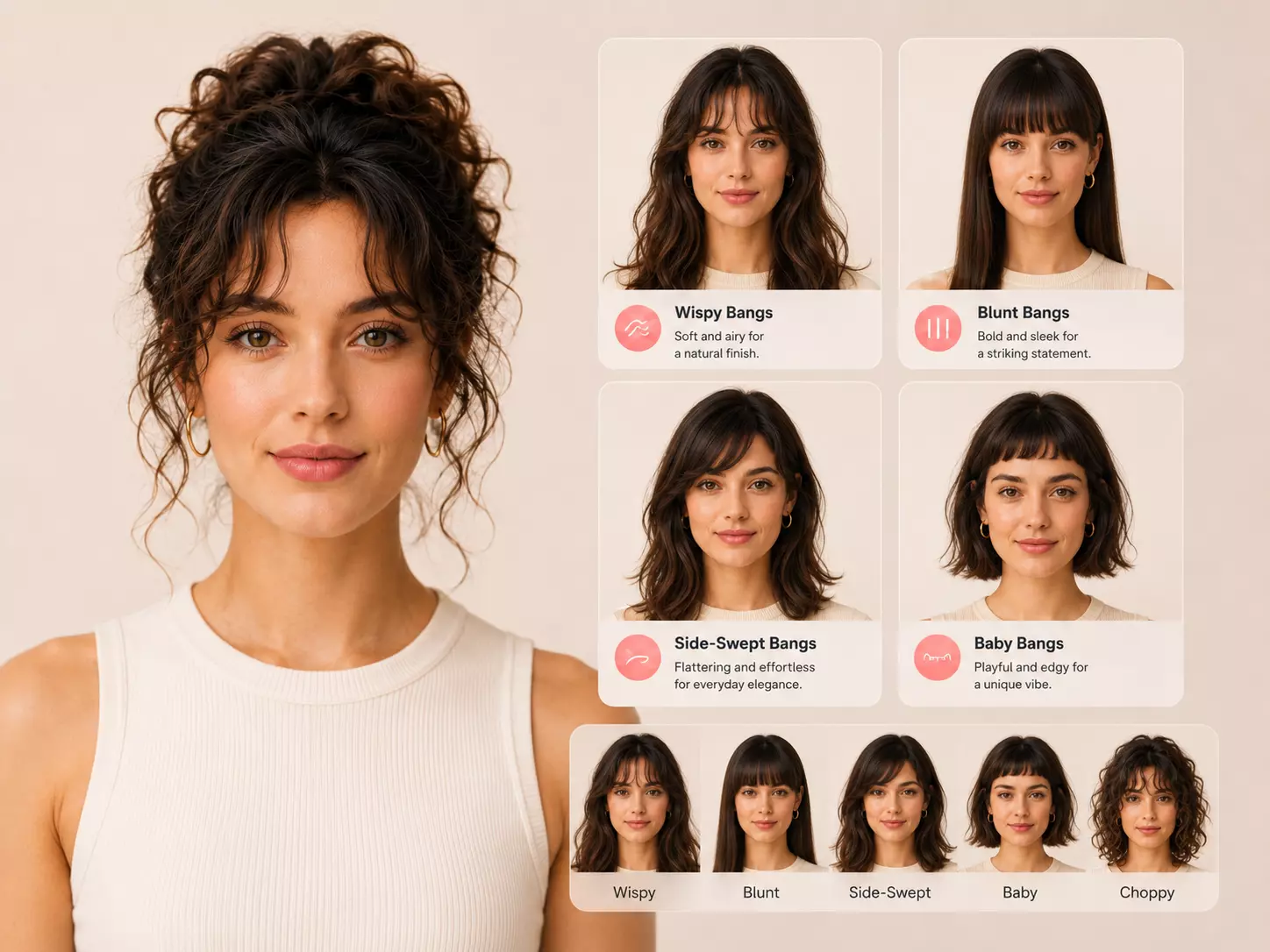
Test the most searched bangs variations in one place: airy Korean-style wispy bangs, bold blunt bangs, soft side-swept bangs, edgy baby bangs, and textured choppy fringe.
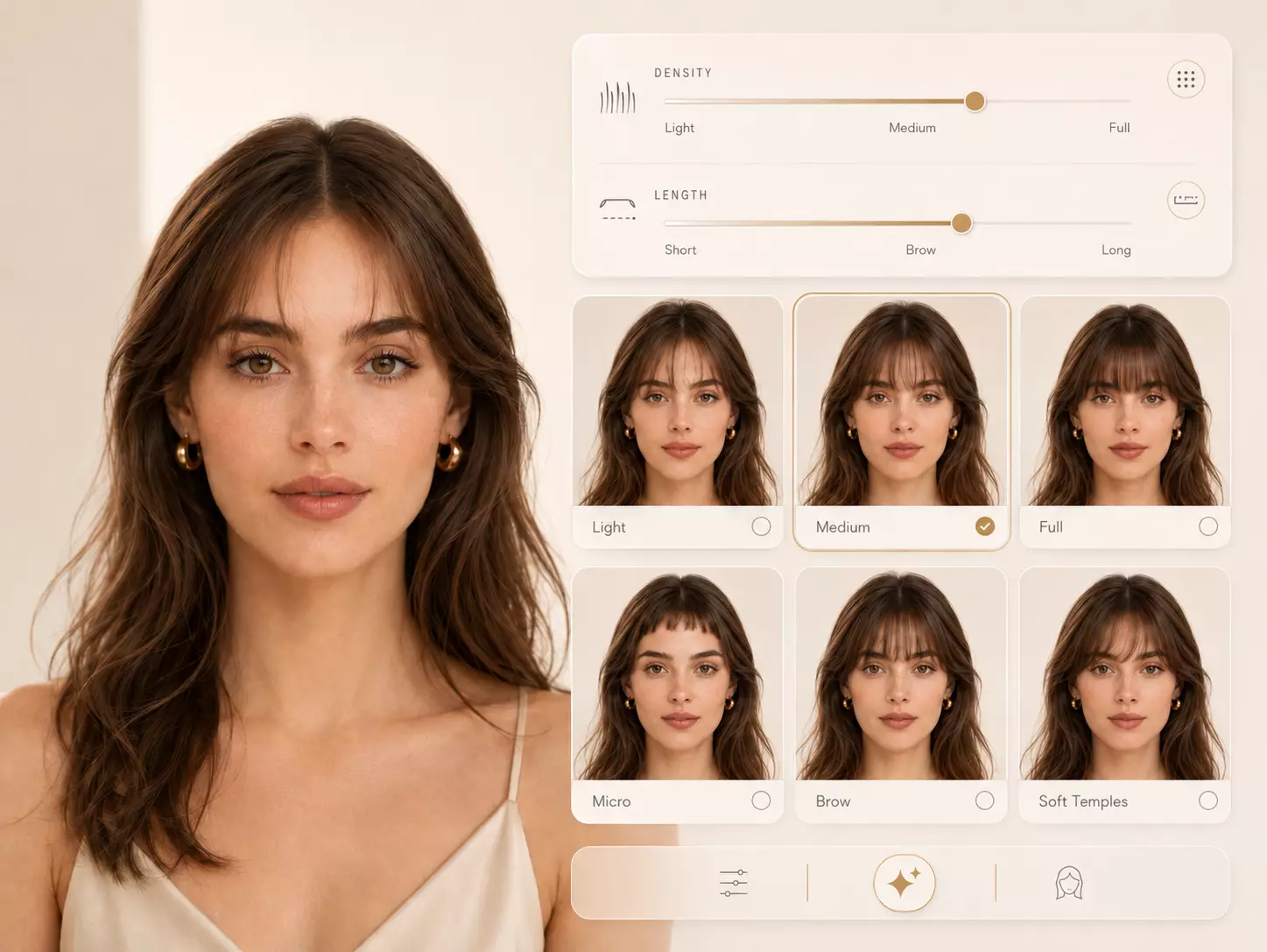
See how light, medium, or full bangs affect your face. Adjust brow-skimming length, micro fringe height, and softness around the temples before choosing a cut.
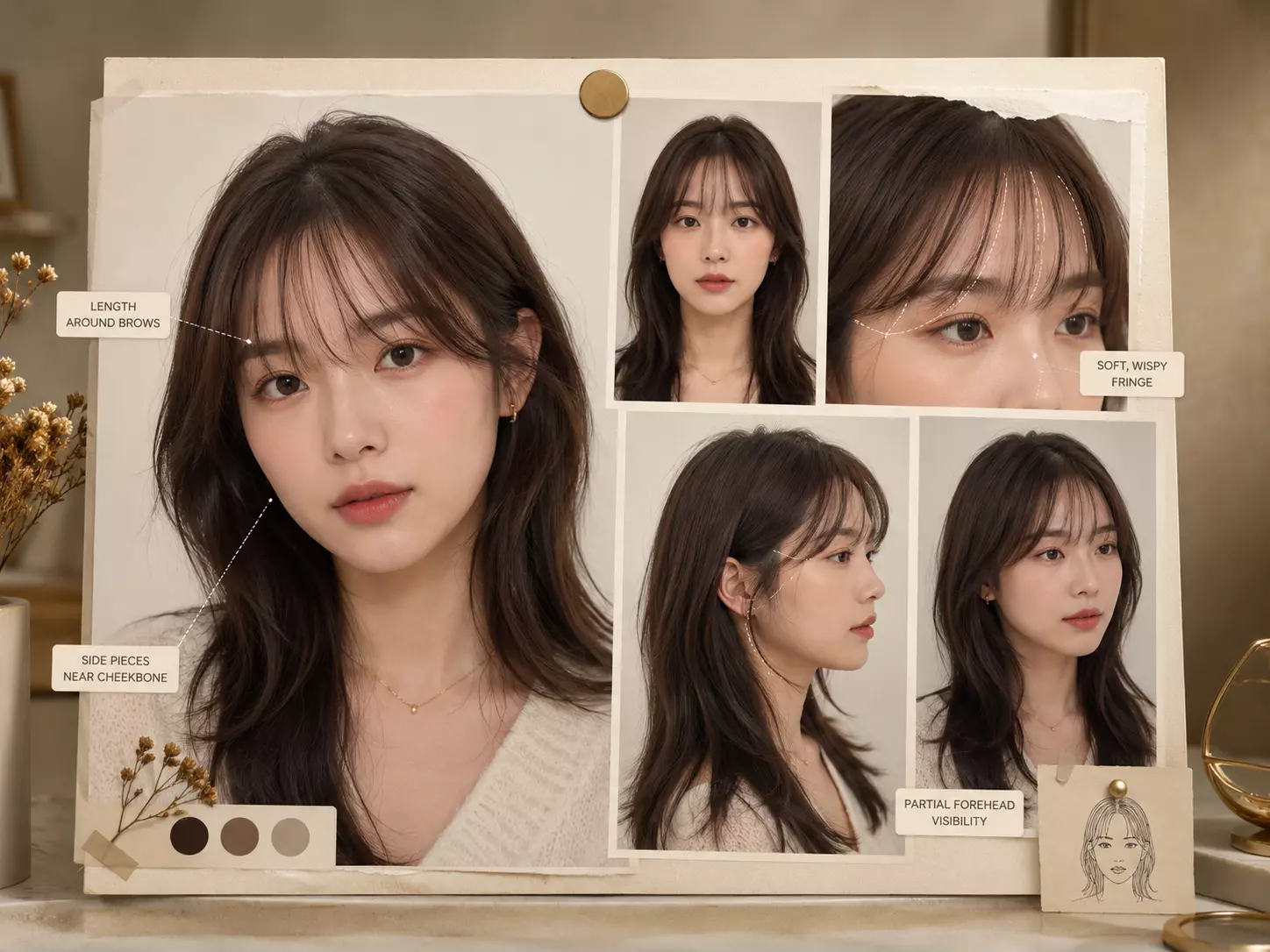
Bangs leave little room for vague instructions. Bring your stylist a clear preview showing thickness, length, side pieces, and how much forehead you want visible.
Preview different fringe styles on your own photo before making the most visible haircut change.
Choose a clear portrait with your forehead, eyebrows, and hairline visible so the AI can place bangs at a believable length and angle.
Compare wispy bangs, blunt bangs, side-swept bangs, baby bangs, choppy bangs, and soft fringe to see which one fits your face.
Download your favorite virtual bangs result and use it as a reference for your stylist or as a confidence check before cutting fringe.
Check whether fringe suits you before making a highly visible haircut change.
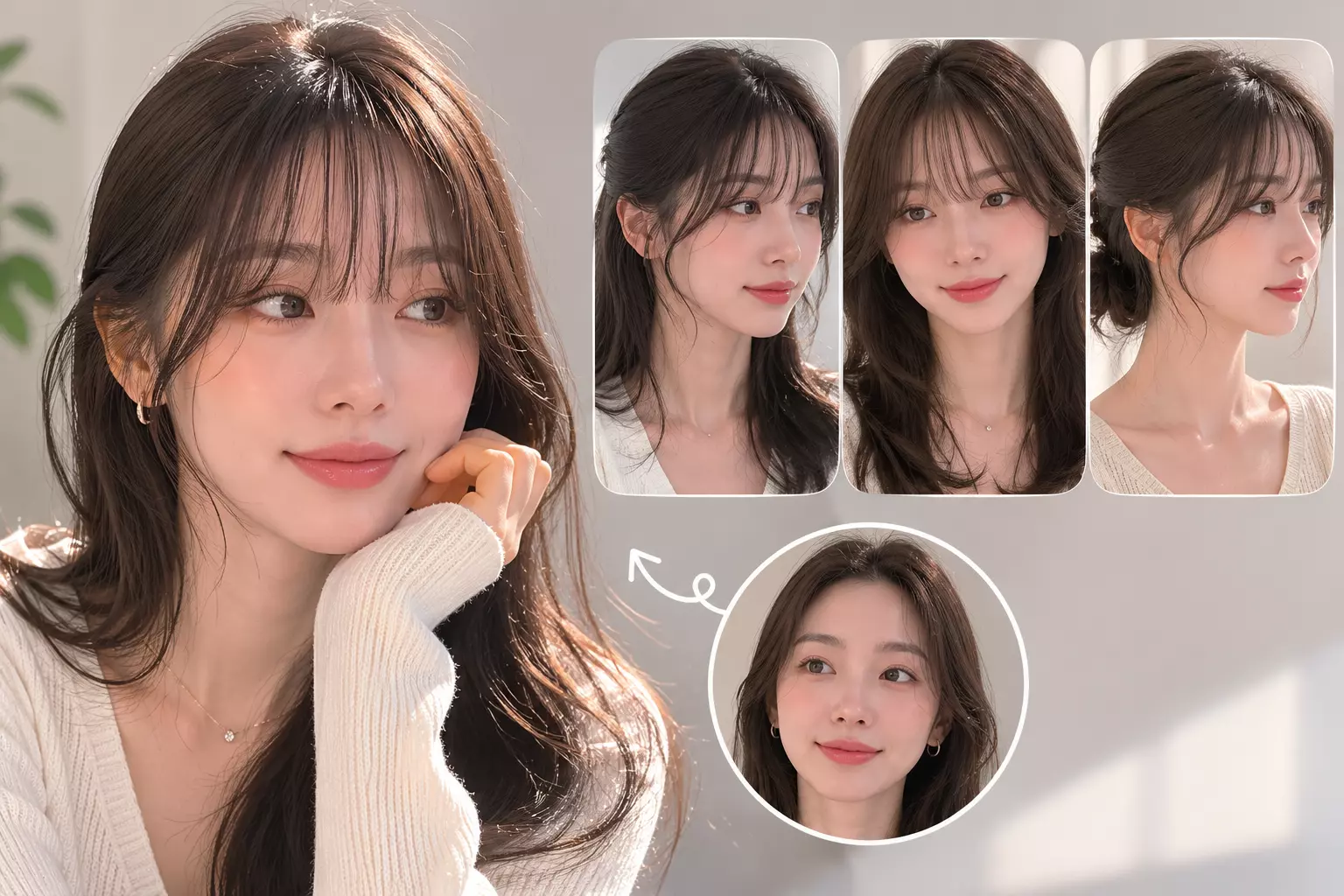
Preview soft, airy bangs that feel light around the eyes and popular in K-beauty styling.
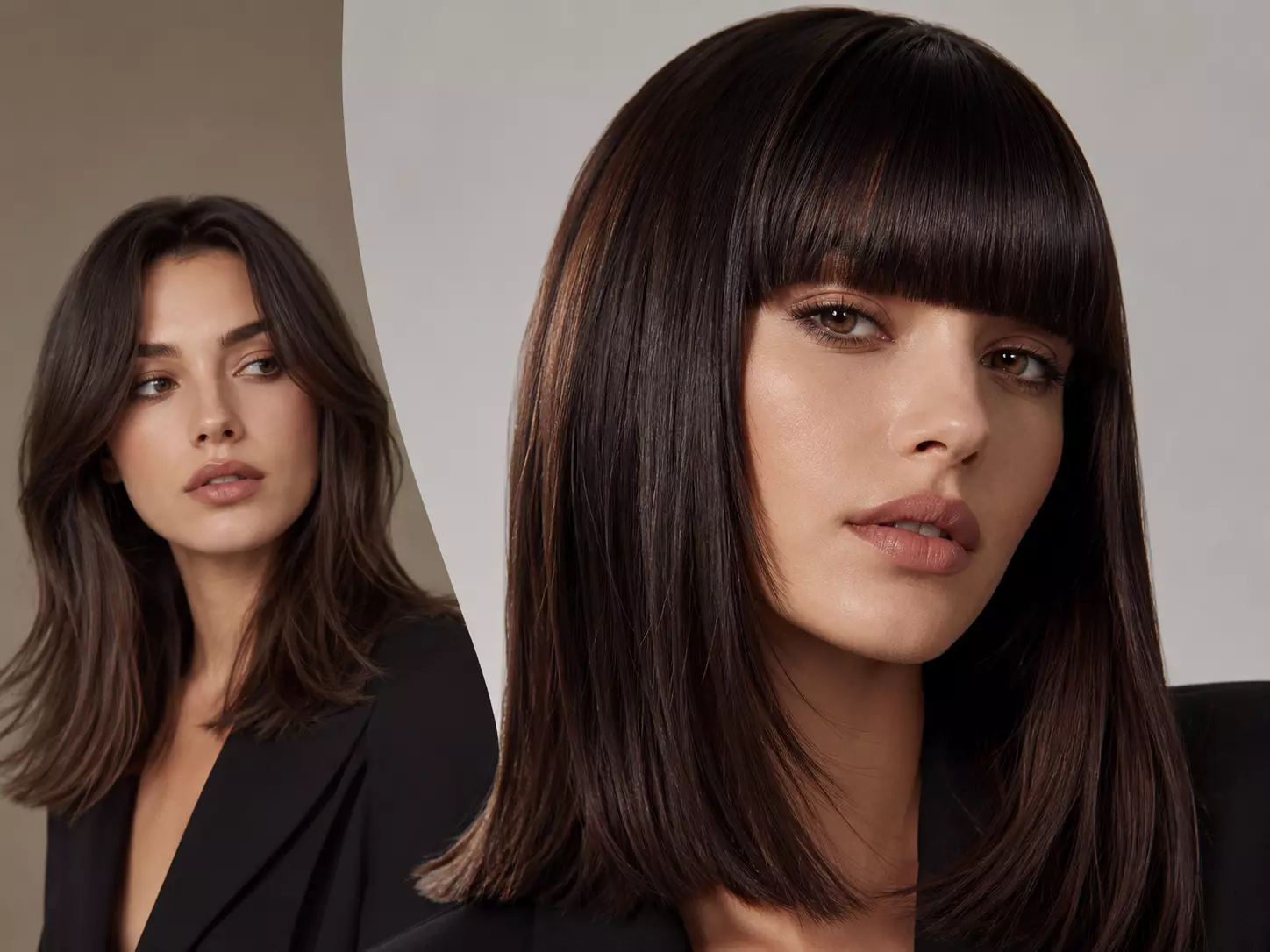
See if full, straight-across bangs give your look the sharp editorial change you want.
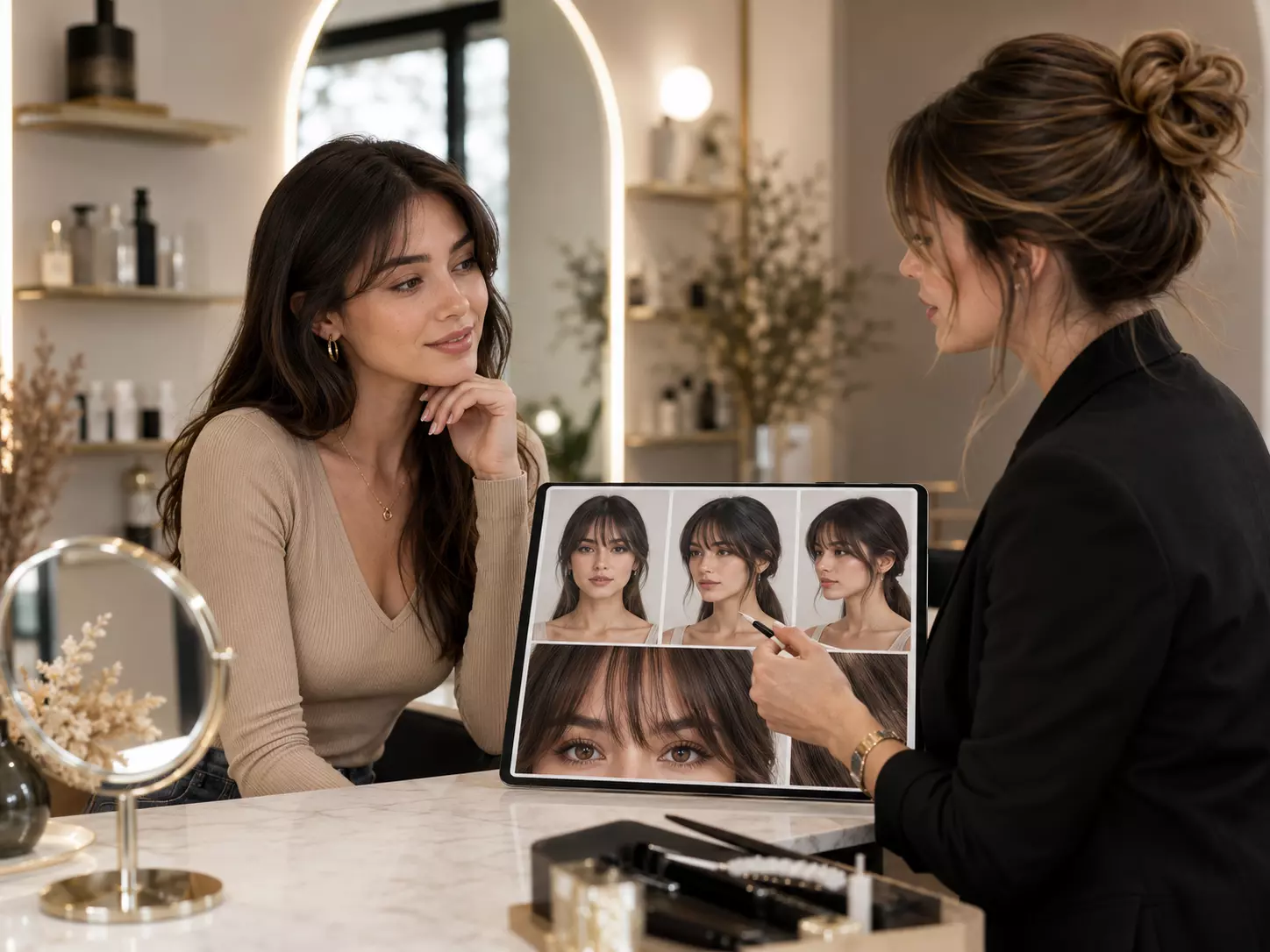
Bring a realistic bangs preview so your stylist understands the exact fringe shape and thickness.
Answers for trying bangs, fringe, and face-framing front pieces with RightHair's AI hairstyle filter.
The AI detects your forehead, eyebrows, face shape, and existing hairline, then renders realistic fringe styles such as wispy bangs, blunt bangs, side bangs, or baby bangs.
Yes. Upload your portrait and the filter will create a virtual bangs try-on so you can check how fringe changes your eyes, forehead, and overall face balance.
You can preview wispy bangs, full blunt bangs, side-swept bangs, curtain-like fringe, choppy bangs, micro bangs, and softer face-framing bangs.
Yes. The preview helps compare how different fringe lengths and densities work with oval, round, square, heart, and long face shapes.
The result is designed to blend with your portrait, hairline, and lighting instead of placing a flat sticker over your forehead.
Absolutely. The bangs filter is built for no-commitment try-on, so you can test a major front-hair change before booking a salon appointment.
Use a clear photo with no hat, no heavy forehead shadow, and minimal hair covering your eyebrows. A straight-on portrait works best.
Yes. Save the result and show your stylist the fringe length, thickness, and shape you prefer.
The basic bangs preview is free. Some premium options may include high-resolution downloads or more advanced hairstyle previews.
Your image is used to generate the hairstyle preview and is not intended to be sold, published, or shared publicly through the try-on workflow.