
Professional Image To Image AI Generator
Image To Image AI transforms, restyles, and enhances images using simple text prompts. Built for creators, designers, marketers, and game developers.
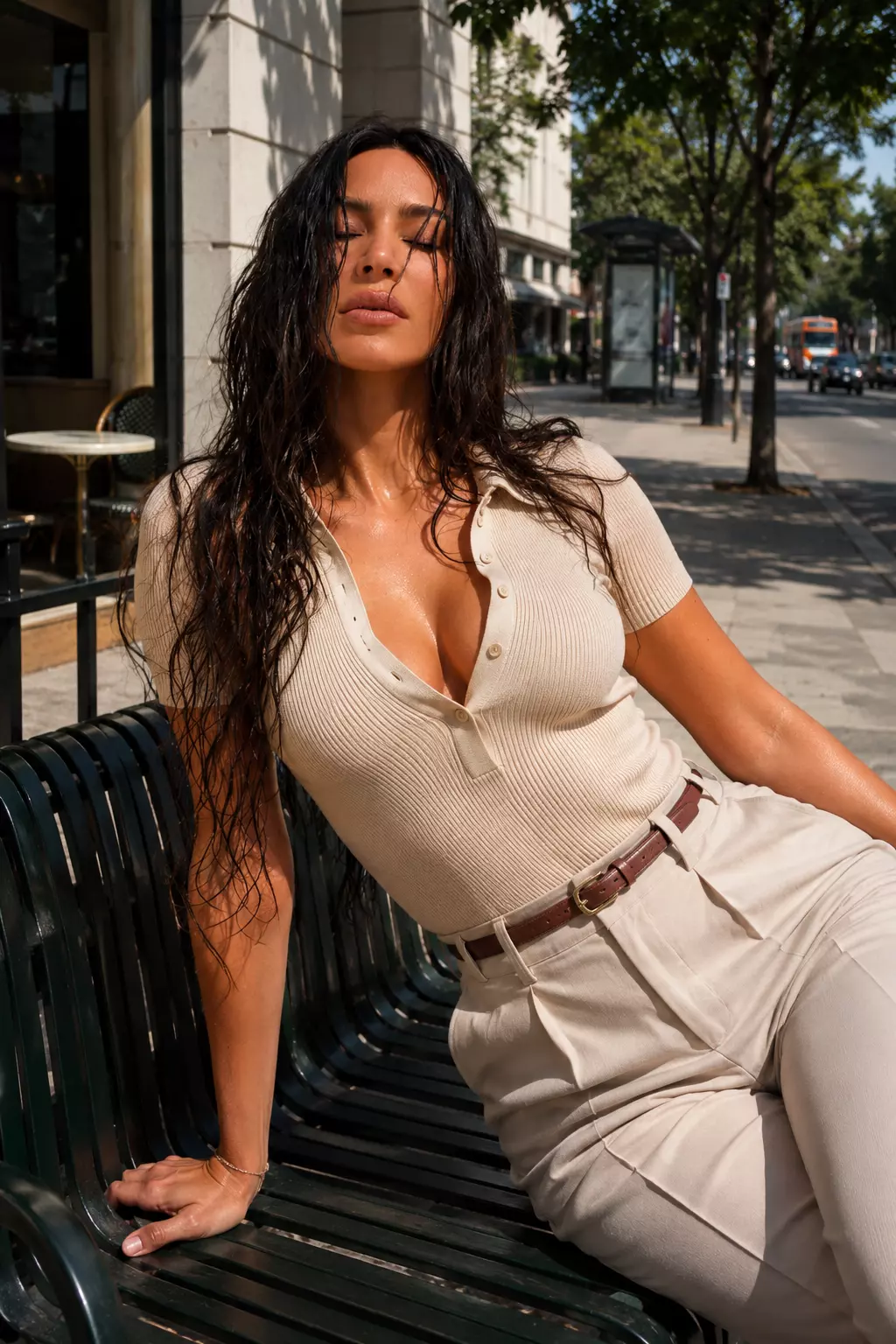
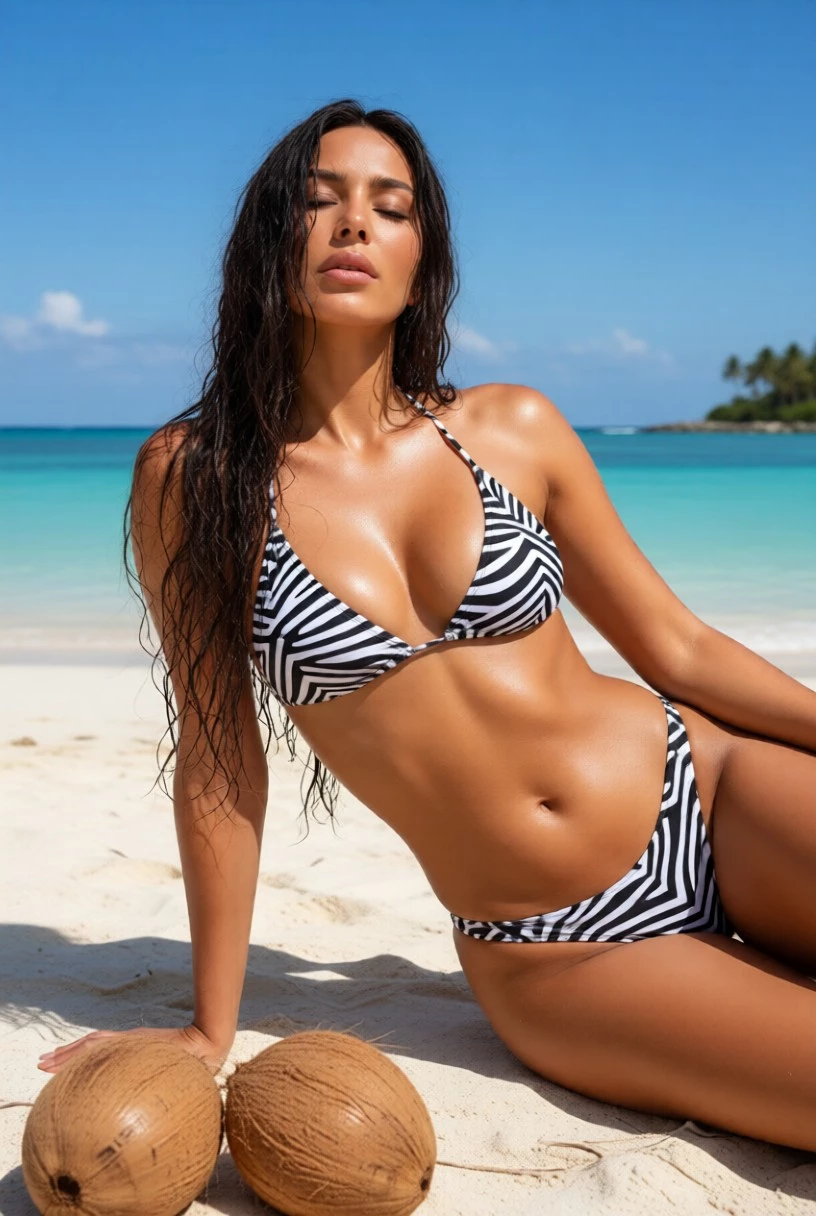
Prompt: Generate a realistic tropical beach photo using the reference person, with beachwear, ocean, blue sky, and coconuts; fresh and high-end.
Transform in Three: Your Image To Image AI Journey
AI does the complex work while you guide the creative direction.
Step 1: Upload Your Image
Drag and drop your image to get started. JPG, JPEG, PNG, and WEBP are supported.
Step 2: Customize Your Image Transformation
Enter a prompt, choose an aspect ratio, and guide the AI toward the style you want.
Step 3: Download High-Quality Images
Review your result, preview it in full size, and download your finished image.
Transform Any Image Into a New Creative Visual
Turn your existing images into fresh designs, product visuals, character concepts, and creative variations in seconds.
Restyle Any Photo While Keeping the Subject
Upload a reference image and change its mood, lighting, background, or artistic style while preserving the key subject and composition.
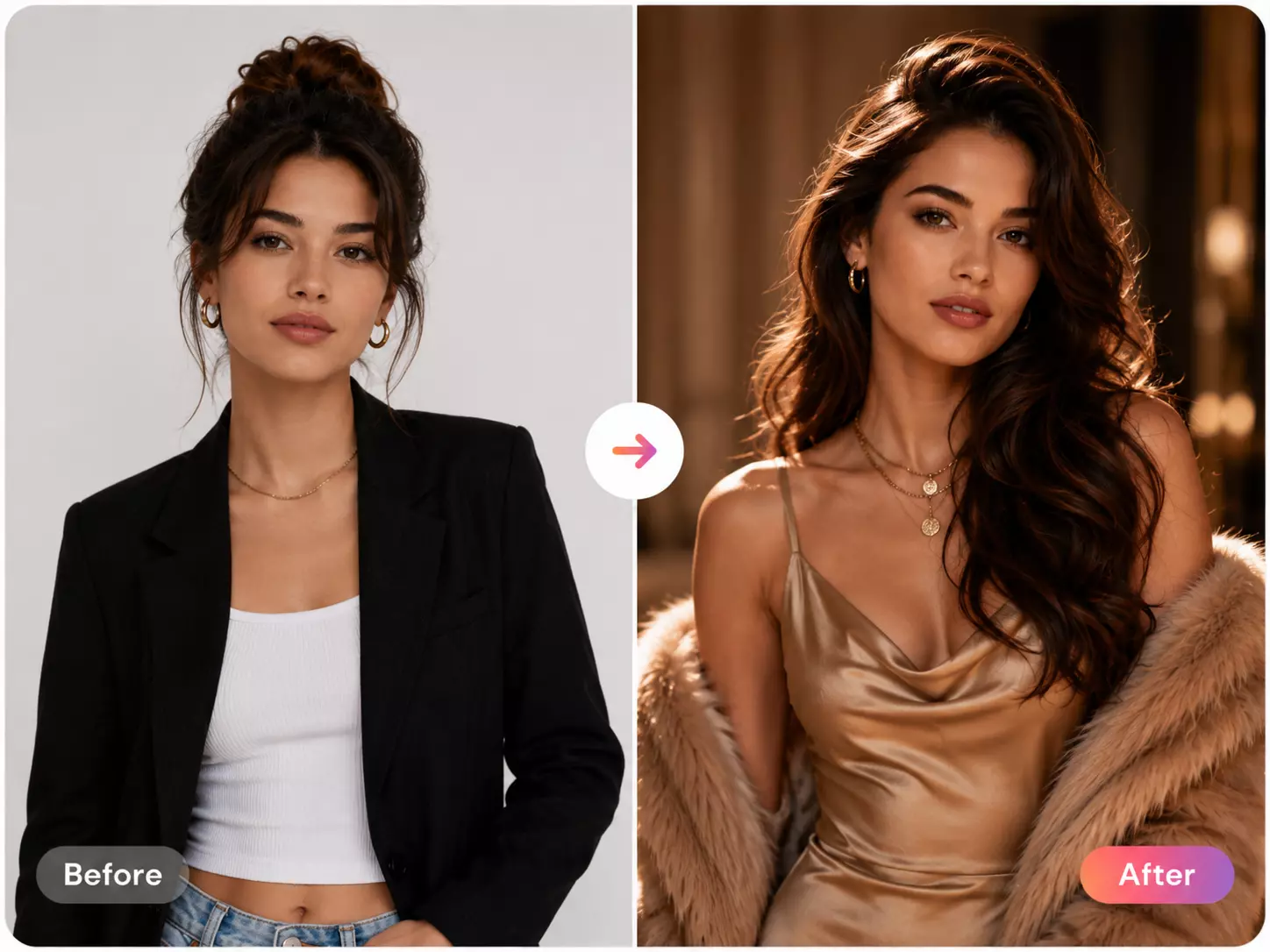
Create Campaign Visuals From Existing Images
Turn product shots, portraits, or draft ideas into social posts, ads, banners, and campaign concepts. Test multiple creative directions before final production.
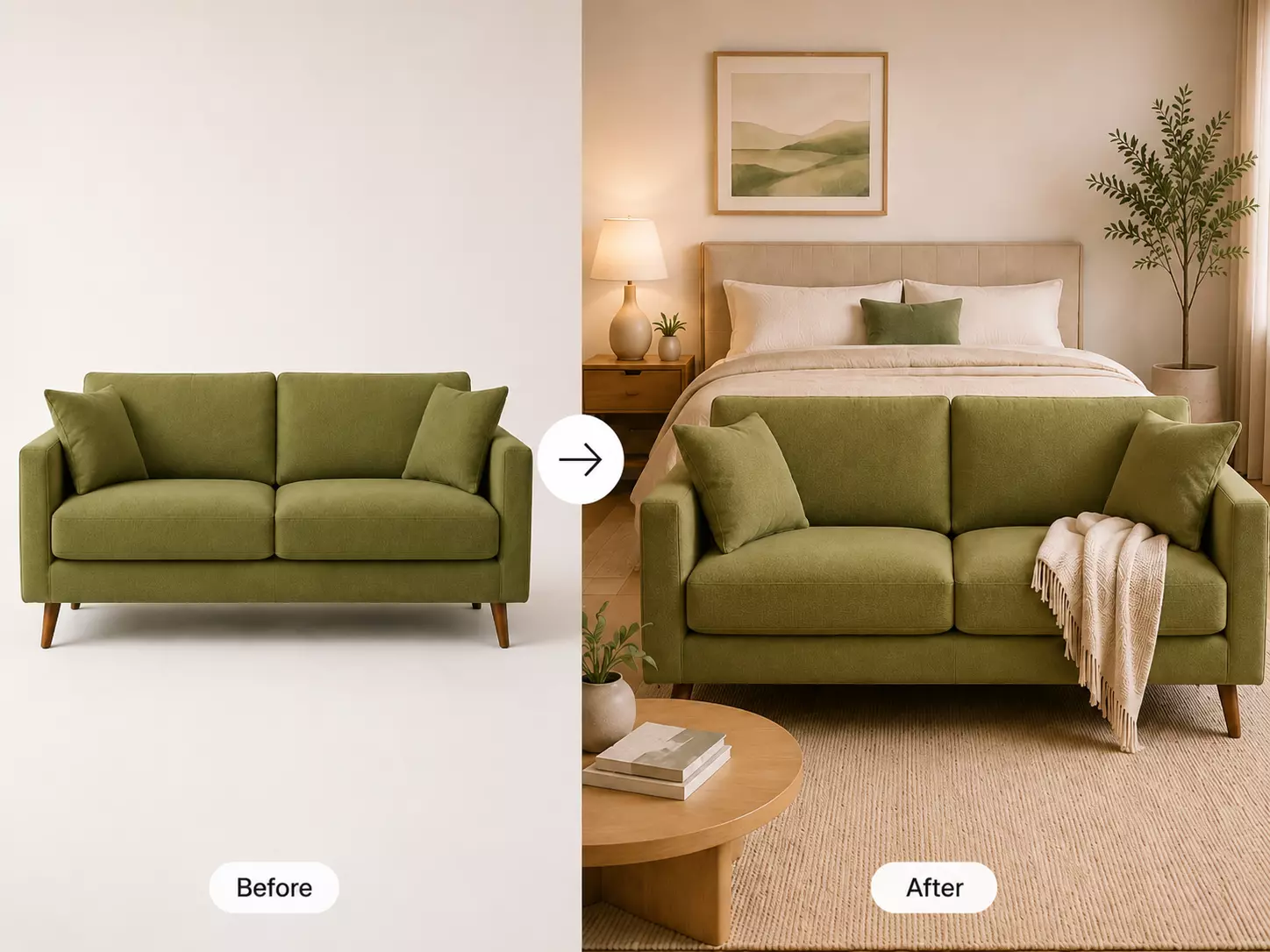
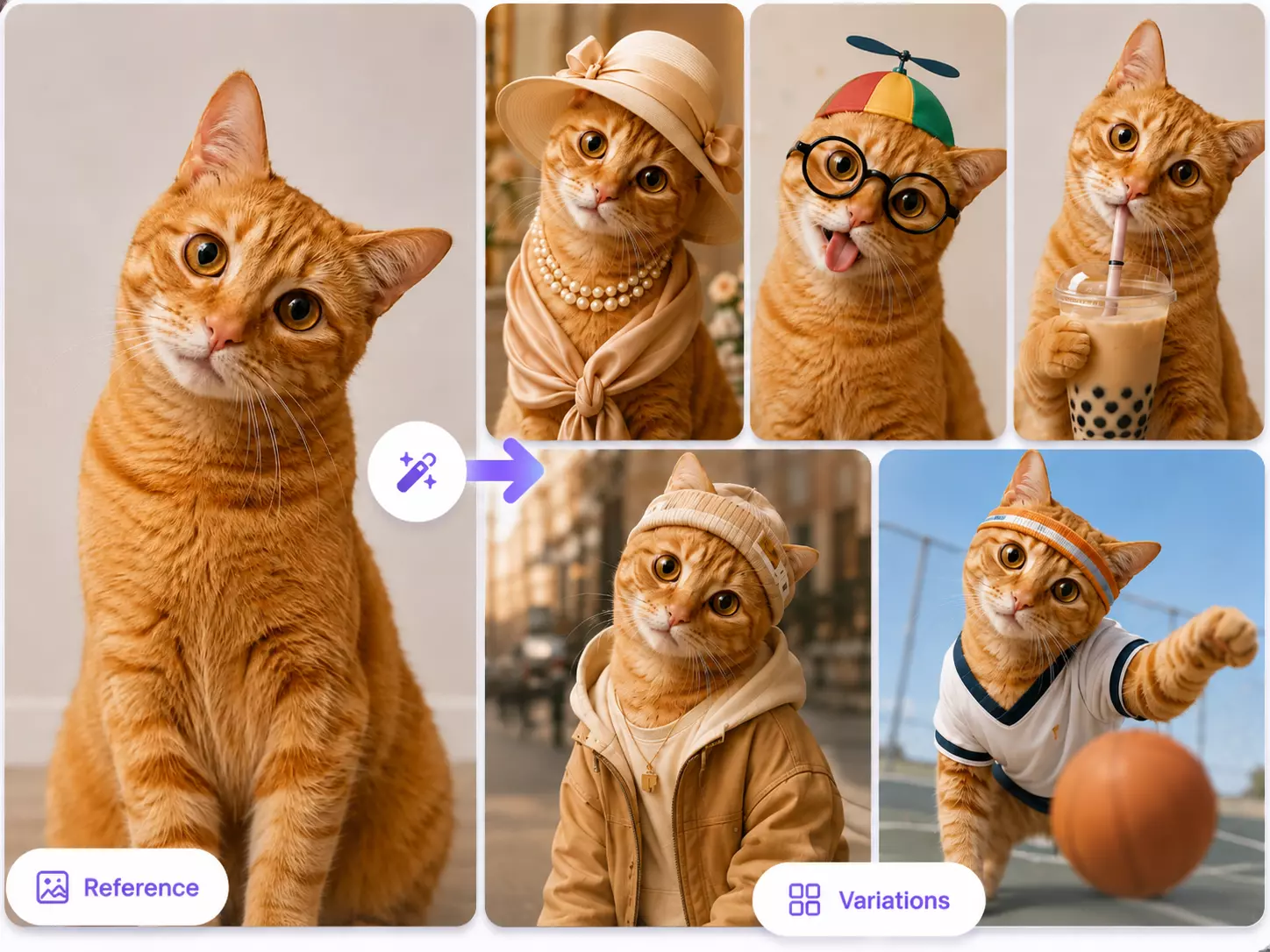
Explore Character Variations With One Reference
Create new versions of a character for stories, games, comics, or brand mascots. Adjust style, pose, outfit, color, or setting while keeping a familiar identity.
Refine Images With Simple Text Prompts
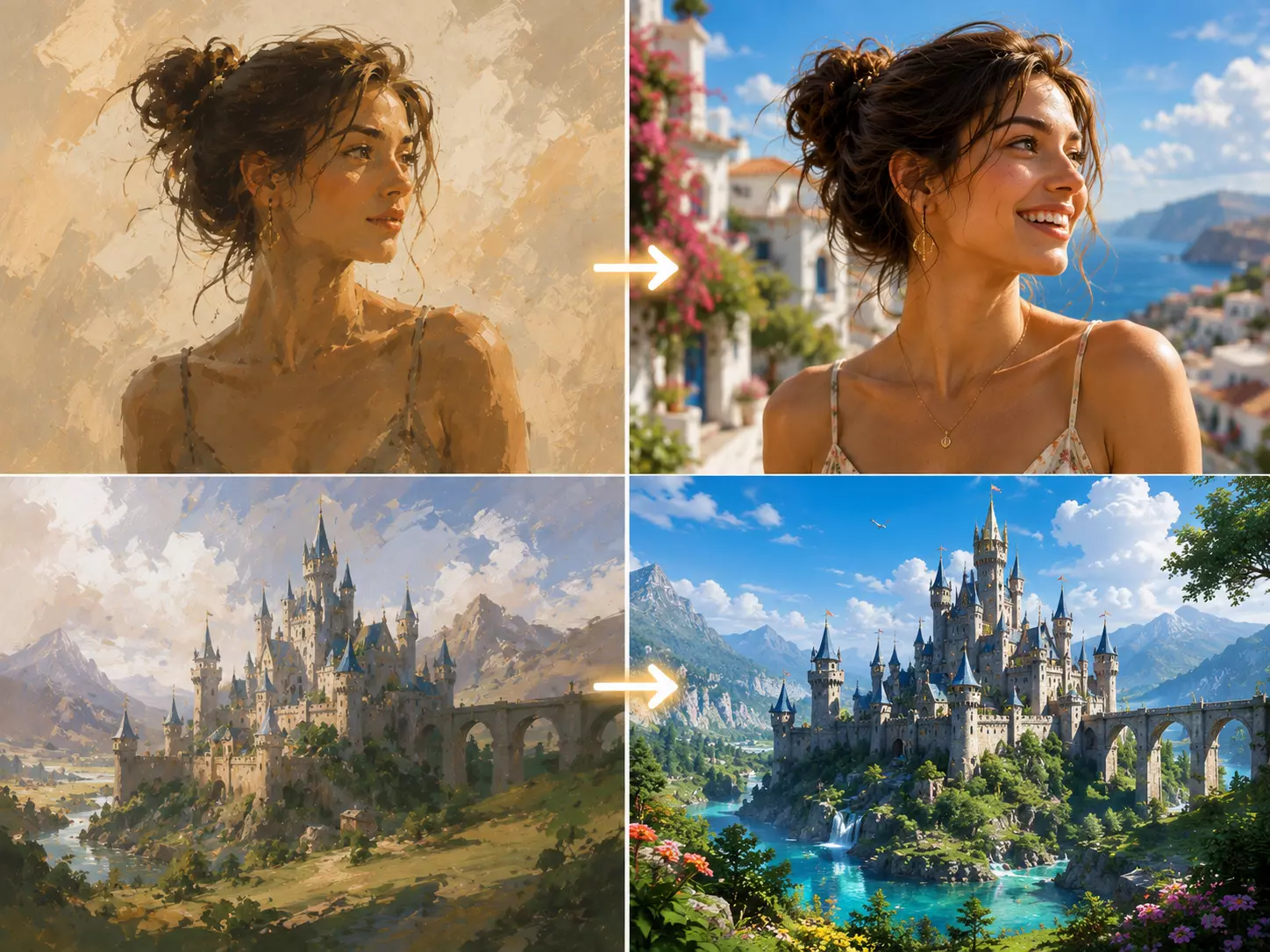
Improve portraits, rough concepts, style references, and visual drafts. Describe the result you want, and let AI refine the image with better detail, style, and polish.
Here's Why Our Image To Image AI Stands Out
Transform ideas into high-quality visuals with fast, private, prompt-driven image editing.
Outstanding AI-Generated Results
Get clean, detailed images ready for personal, commercial, and professional use.
HD, Watermark-Free Images
Create polished images with sharp detail and no distracting watermark on the final output.
Safe and Private AI Creations
Your uploads stay protected with secure processing and practical privacy safeguards.
Fast Output Speed
Generate high-quality image transformations in seconds without sacrificing detail.
Flexible Creative Control
Use prompts to guide styles, backgrounds, lighting, details, and visual direction with ease.
Easy Preview and Download
Preview generated results in a larger view and download your favorite image directly.
Image To Image AI FAQ
Answers to common questions about uploading, prompting, privacy, and results.
What is Image To Image AI?
Image To Image AI uses your uploaded image as a visual reference, then transforms, restyles, or enhances it based on your text prompt.
Can I upload multiple images?
Yes! Nana Banana 1.0 and Nana Banana 2.0 support up to 8 images. V-Editor and Flux Kontext Pro support 1 image. Use multiple reference images for better style transfer and character consistency.
What image formats are supported?
You can upload common image formats including JPG, JPEG, PNG, and WEBP. For best results, use a clear, high-quality image.
How do I get better image-to-image results?
Use a clear reference image and write a specific prompt. Mention the style, background, lighting, subject changes, or details you want the AI to preserve.
Can I download the generated image?
Yes. After generation, open the result preview and download the image directly from the page.
Are my uploads private?
Uploads are processed through the app's image generation flow. Avoid uploading sensitive images, and use clear non-sensitive references whenever possible.
Start Creating With Image To Image AI
Upload a reference image, describe your edit, and generate professional visuals in seconds.