
Try On Bold Pixie Hairstyles with Our AI Filter
Instantly preview short, edgy, and elegant pixie cuts. Find the perfect pixie for your features.
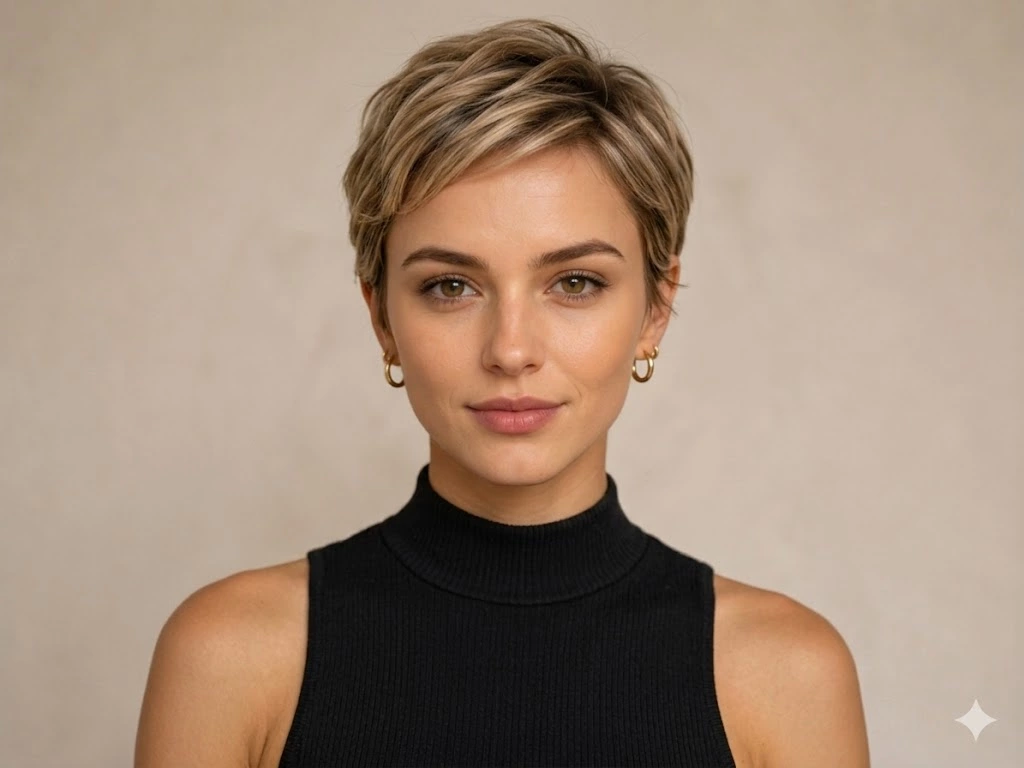
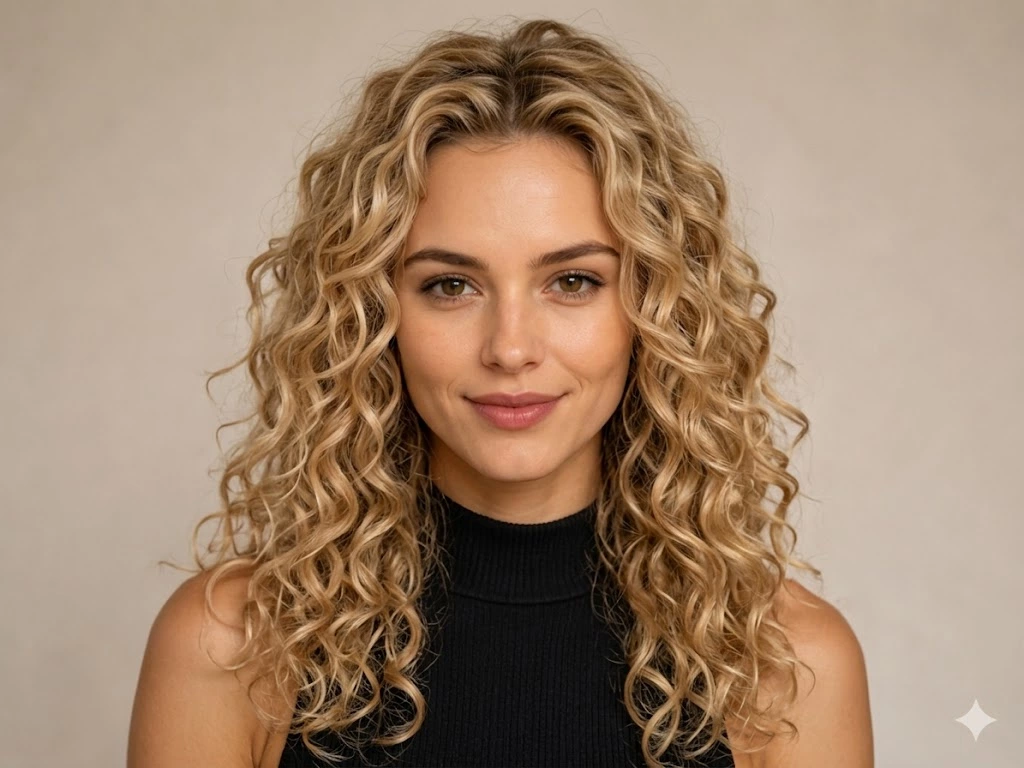
Drag and drop your image here or click to select
Supports JPG, JPEG, PNG or WebP up to 20MB
All Your Need: AI Hair Tools
Explore More Hairstyle Filters
From diverse styles and effects, find the hairstyle that suits you best.
Master Your Look: Pixie Filter Deep Dive
Experience the precision of AI-driven styling. Find the perfect pixie for your unique features.
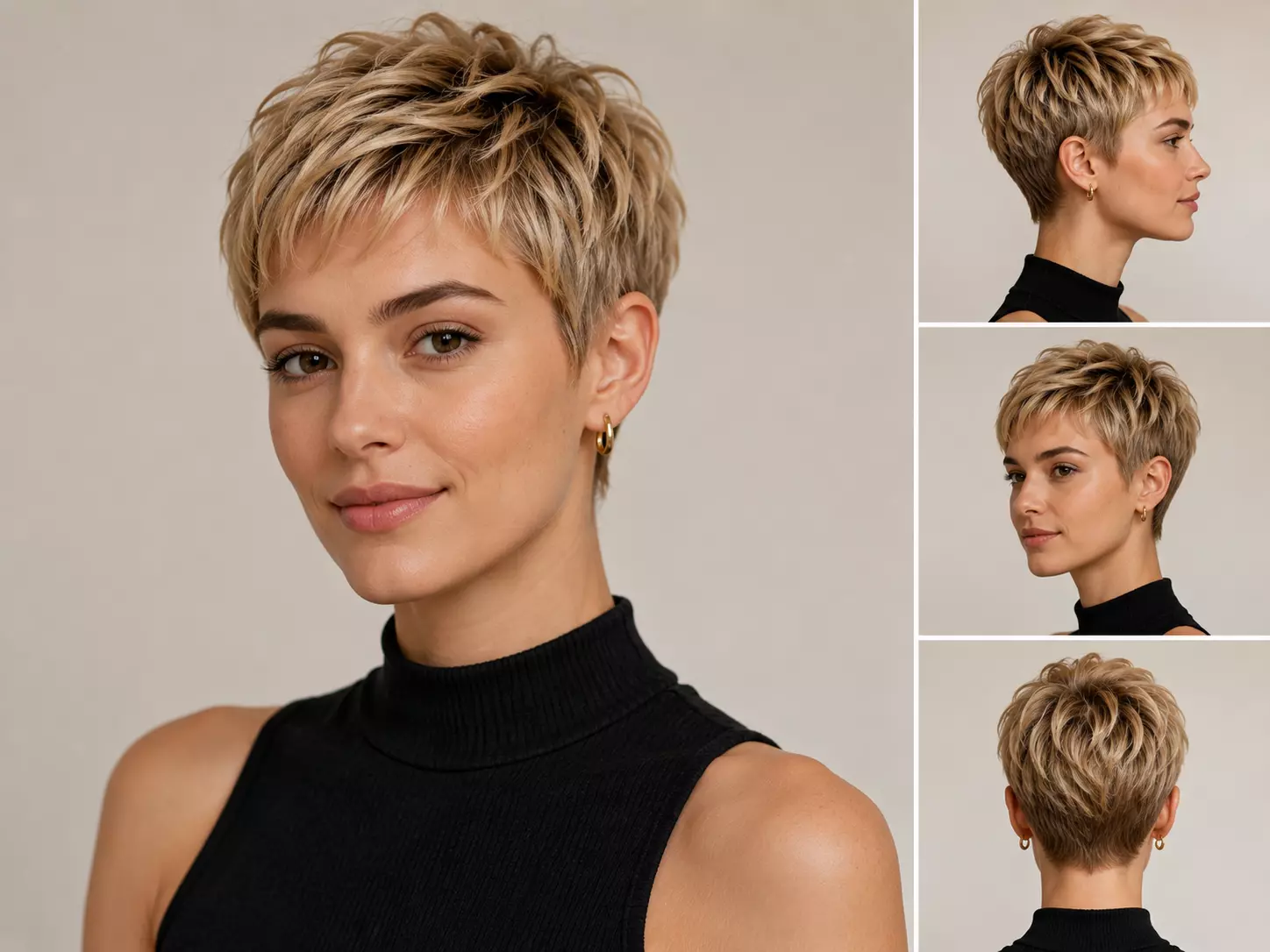
01 Precision Geometric Matching for Pixie Cuts
Going short is all about structural balance. Our intelligent AI scans your bone structure, neck length, and jawline angle to calculate your ideal Pixie length, instantly identifying whether a bold feathered Pixie or a sleek classic crop will best elevate your natural features.
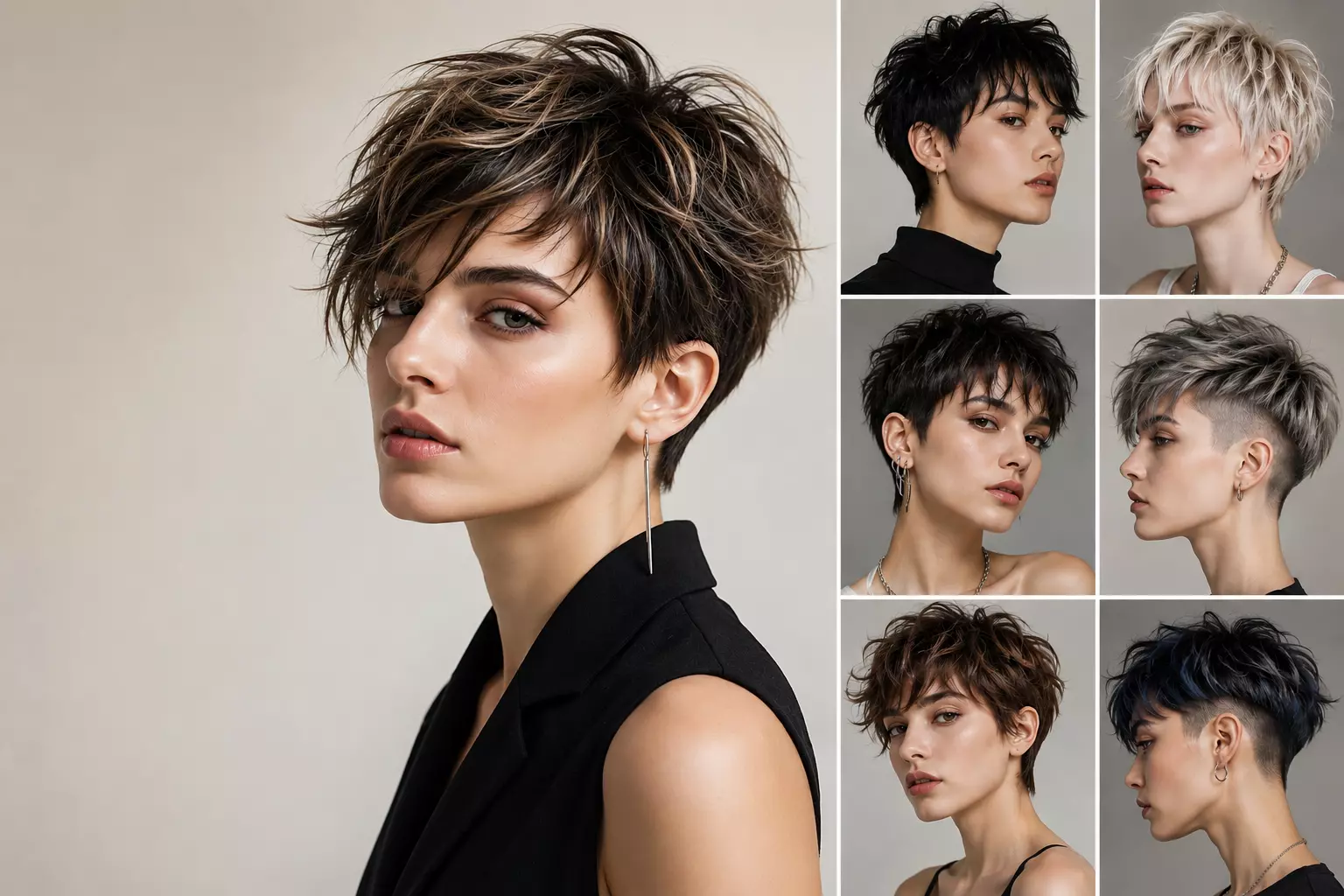
02 Tailored Layering & Avant-Garde Pixie Textures
Ditch generic templates and dive into a curation of fluid, wispy Pixie fringes, deeply textured piece-y crops, and striking short undercut designs. Fine-tune the razored edges and wispy density to curate a signature Pixie style that is uniquely yours.
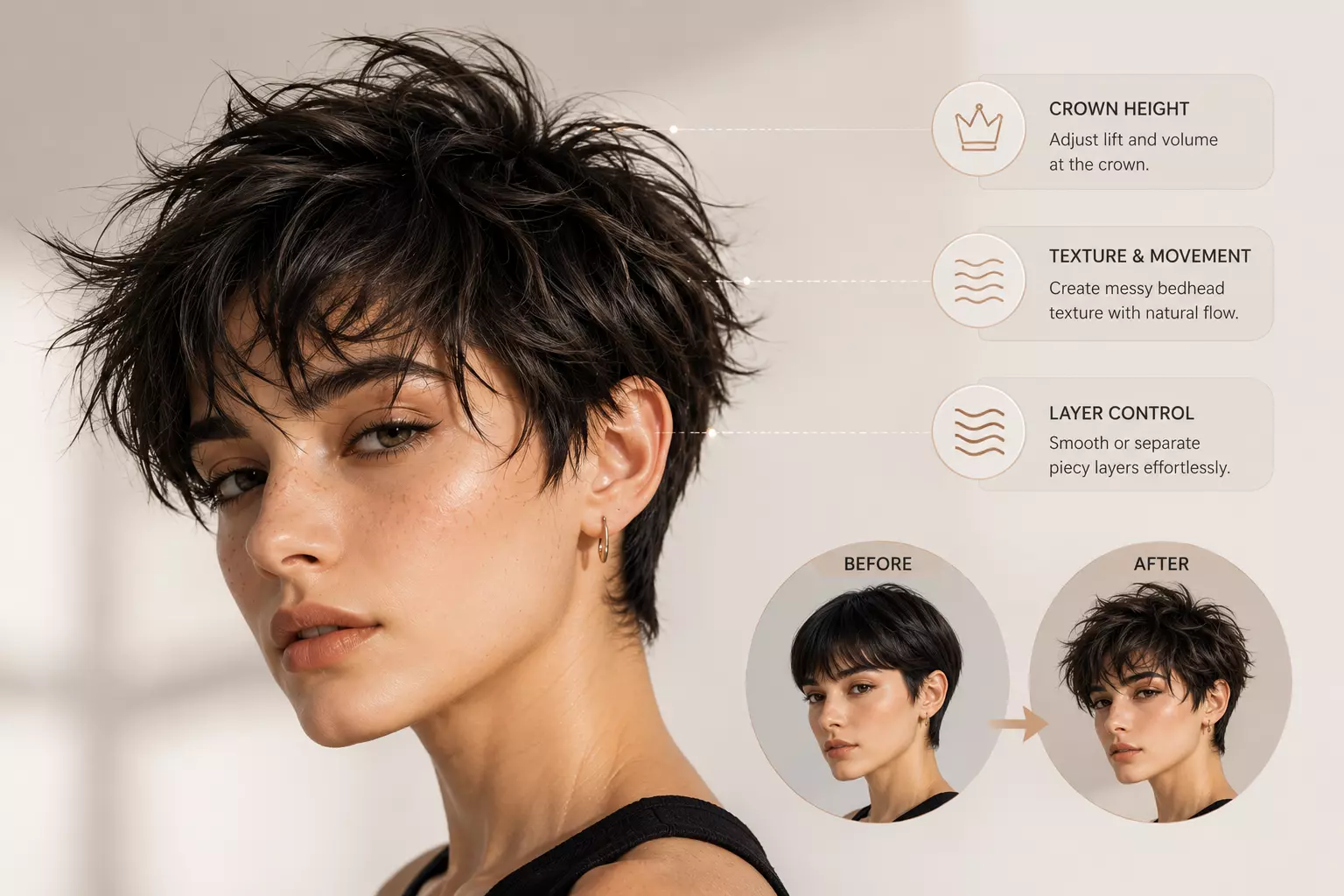
03 Strand-by-Strand Pixie Volumizing Simulation
A great Pixie lives and breathes by its volume. Our proprietary rendering engine dynamics every single hair strand, allowing you to sculpt Pixie crown height, texturize messy bedhead short looks, or smooth down piecy layers while retaining flawless organic movement.
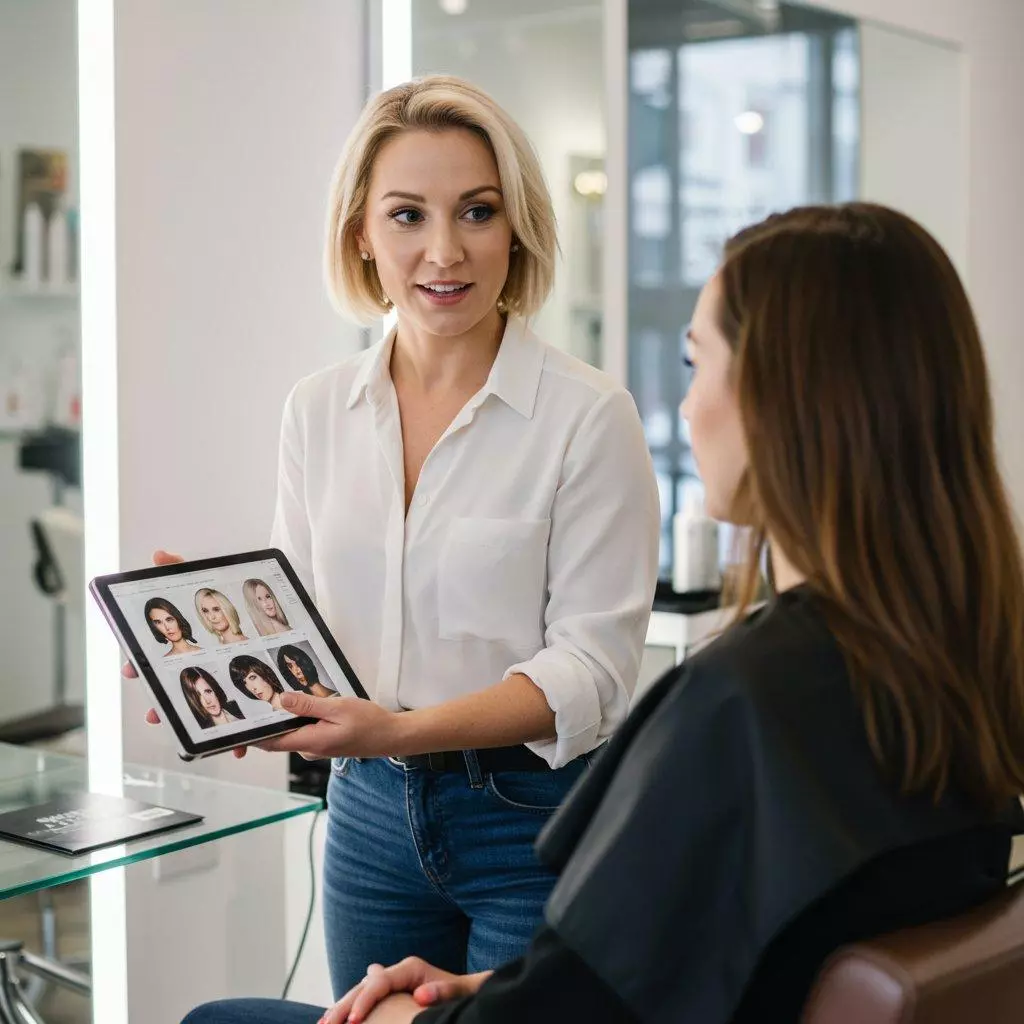
04 Your Pixie Visual Blueprint for the Stylist Chair
The biggest barrier to a dramatic chop is miscommunication. Replace vague descriptions with a high-definition, multi-angle Pixie visual blueprint. Walk into your next salon appointment with total confidence, showing your stylist the exact texture-heavy Pixie crop you expect.
Explore Popular & Hot AI Tools
How to Use The Free Pixie Haircut Filter
Upload Your Photo
Upload a clear front-facing photo with good lighting. This helps the AI accurately analyze your face shape and hair details.
Choose a Pixie Style & Customize
Explore different pixie variations like classic pixie cut, textured pixie with bangs, or pixie undercut. Adjust texture, volume, and smoothness to match your desired look.
Preview & Download
Preview your realistic AI pixie hairstyle and download the high-resolution result to share or show your stylist.
Pixie Hairstyle Filter FAQ
Everything you need to know about trying realistic pixie hairstyles with our AI hairstyle editor.
How does the AI Pixie hairstyle filter work?
Our advanced AI analyzes your facial structure, bone shape, and features to seamlessly adapt a pixie cut to your photo. Instead of a flat sticker overlay, it simulates individual hair strands, layers, and root volume to provide a true-to-life preview.
Is the pixie hairstyle preview realistic enough for salon reference?
Yes, it's highly realistic. The AI accurately calculates hair texture, edge sharpness, and depth. While it can't perfectly replicate how your specific hair behaves, it delivers a 90%+ accurate visual guide that is perfect for professional salon consultations.
What types of pixie cuts can I try with this filter?
You can instantly preview a wide range of short styles, including the Classic Pixie Cut, Textured Pixie with Bangs, Pixie Undercut, Ultra-Short Pixie, and Asymmetrical Pixie. You can also customize the texture and volume of each style.
Will the AI filter help me know if a pixie cut suits my face shape?
Absolutely. That’s its core feature! The AI automatically detects your facial proportions (whether oval, round, square, heart, or long) and recommends the ideal pixie variations, helping you overcome the fear of going short.
What kind of photo should I upload for the best results?
A well-lit, clear, front-facing photo works best. For short styles like pixie cuts, we highly recommend tying your current hair back or pinning it down so the AI can precisely see your jawline and facial features.
Can I adjust the thickness and texture of the pixie cut?
Yes. You can use the built-in control sliders to adjust Smoothness, Texture Control, and Root Volume to find the perfect balance between a sleek, elegant look or a messy, rock-and-roll vibe.
Is the AI Pixie filter free to use?
The basic try-on filter and style previews are 100% free. Premium options are available if you need high-resolution downloads or advanced professional salon consultations.
How can I use this AI preview during my salon consultation?
Simply download your favorite pixie preview onto your phone and show it to your hair stylist. It eliminates guesswork and 'salon anxiety' by giving you and your stylist an exact, shared visual goal.
How long does it take to generate my pixie cut preview?
The transformation is nearly instant, usually taking only 10 to 20 seconds depending on your internet connection and the image quality.
Is my uploaded photo safe and private?
Your privacy is our top priority. Uploaded photos are securely processed strictly for generating your hairstyle previews and are never stored permanently, sold, or shared publicly.