
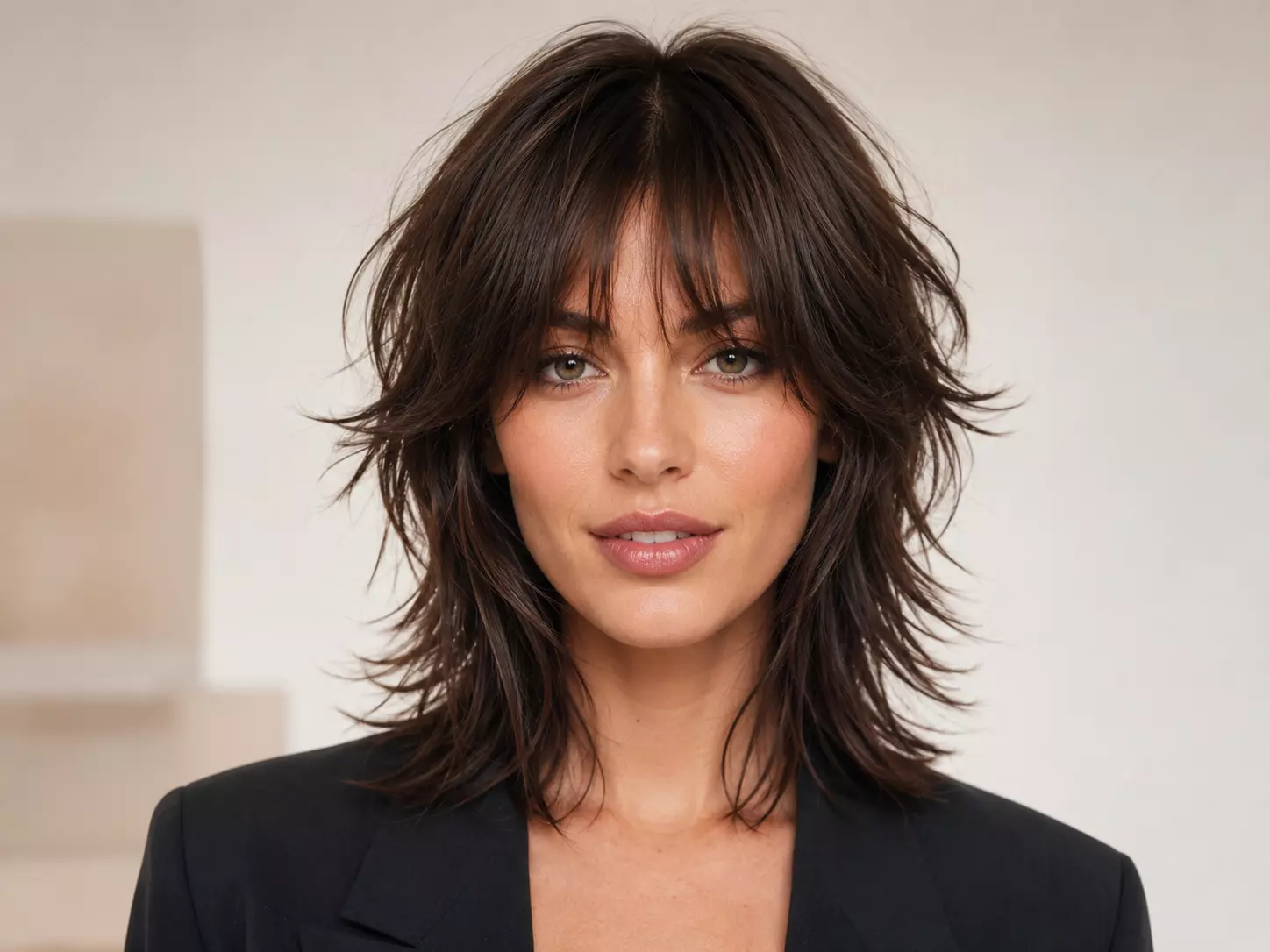

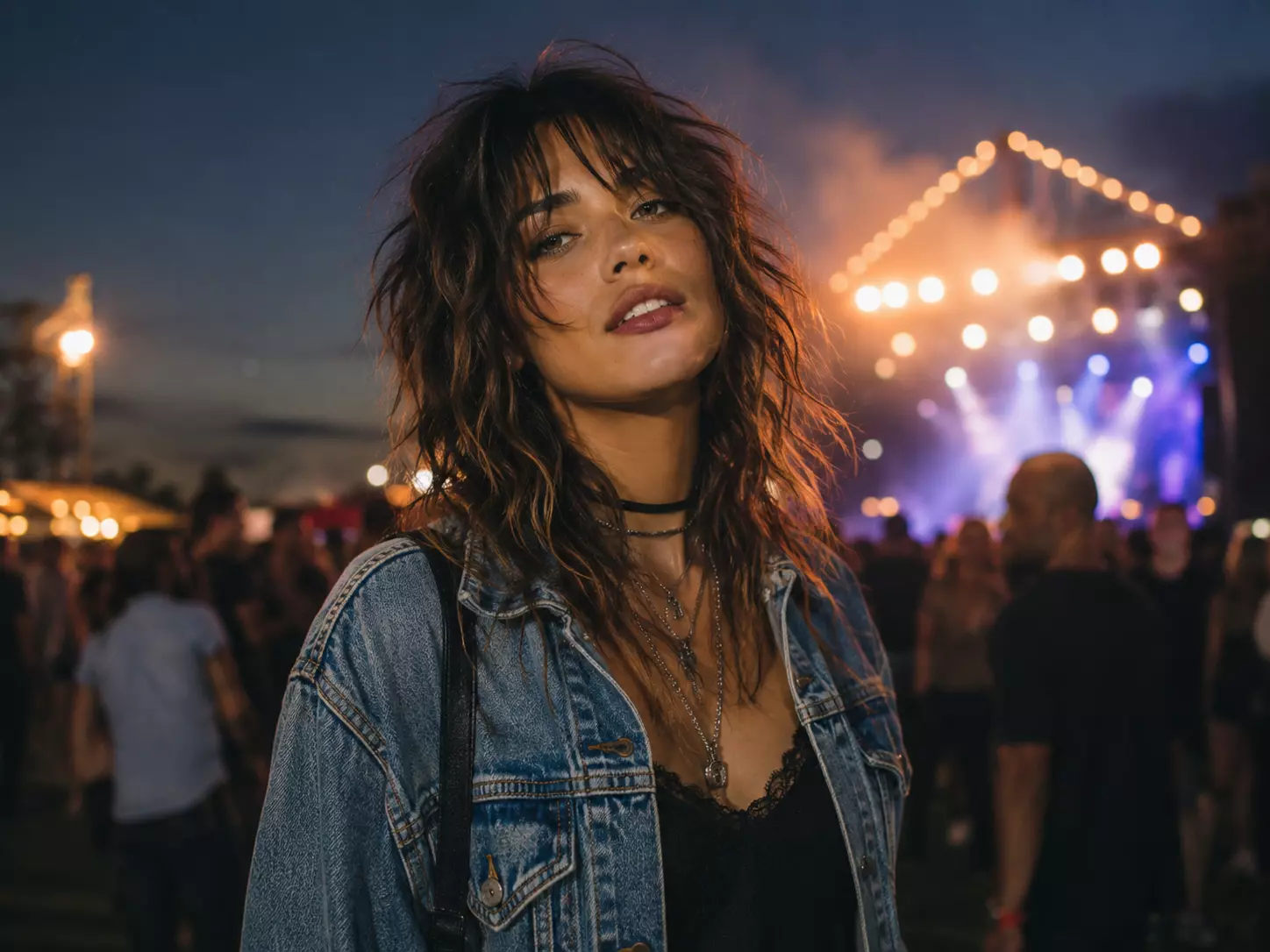
Indie Gig & Festival Hair
Test a lived-in fringe and tousled layers that look right with denim, boots, stage lights, and late-night plans.
Instantly add layered, textured shaggy cuts and bangs. Perfect for an edgy, modern, rock-inspired look.
Drag and drop your image here or click to select
Supports JPG, JPEG, PNG or WebP up to 20MB
From diverse styles and effects, find the hairstyle that suits you best.
Explore broken layers, choppy bangs, and deliberately undone texture for a shag that feels expressive rather than over-styled.
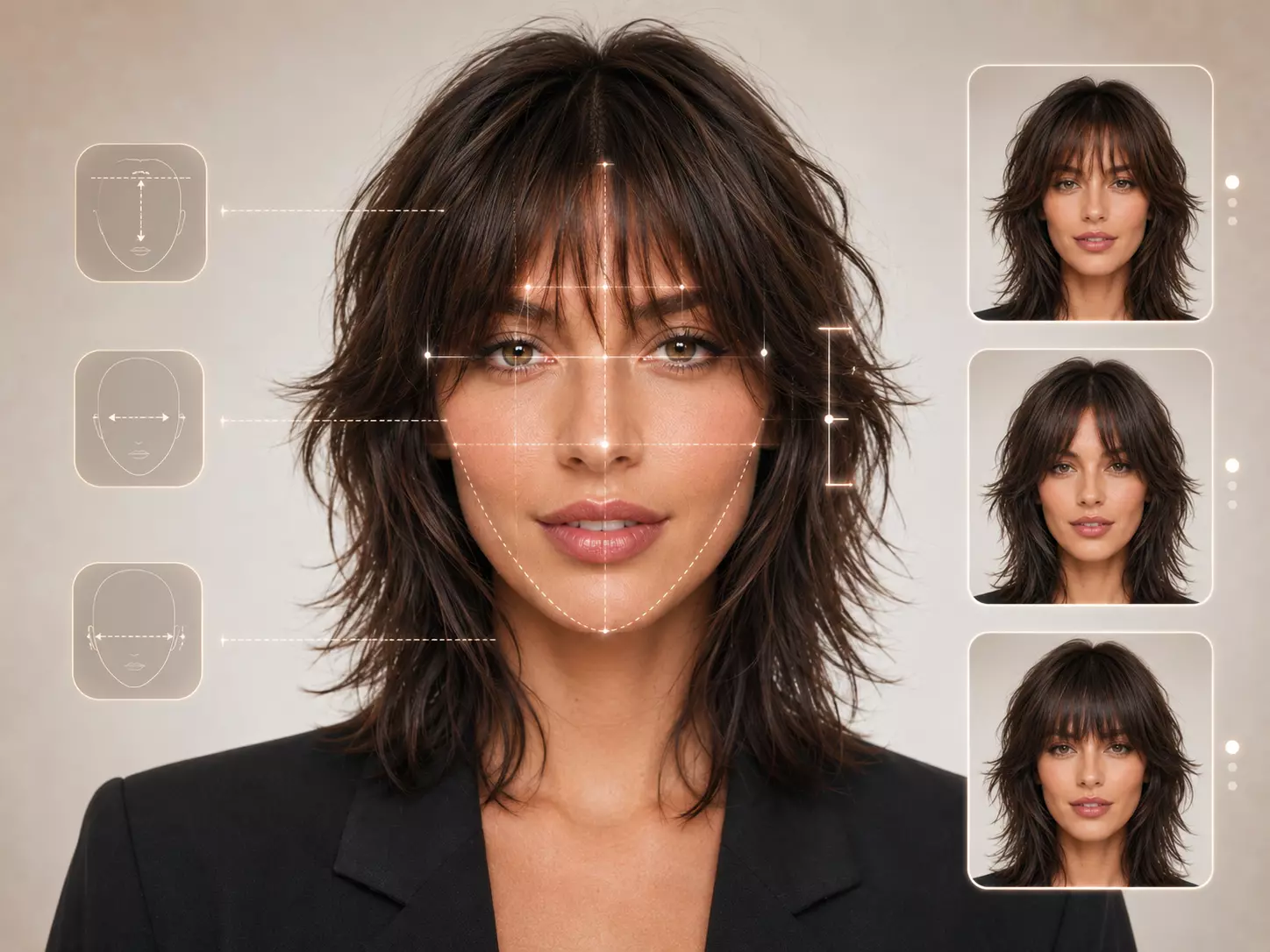
Shaggy hair lives or dies by the bangs. The AI evaluates forehead height, eye spacing, and cheekbone width to preview wispy fringe, curtain bangs, or a heavier choppy bang that keeps the look intentional.
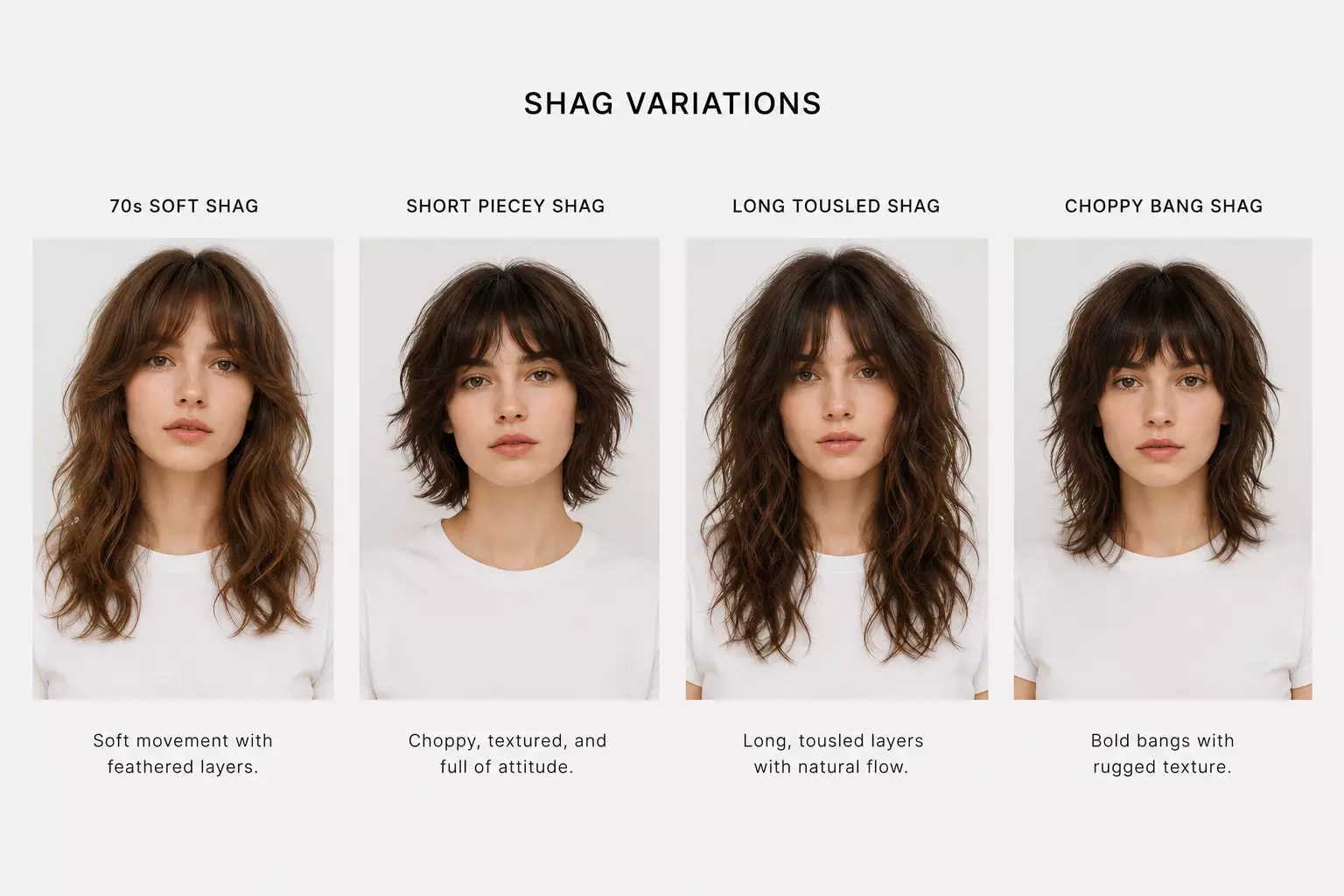
Preview loose 70s shag, short piecey shag, long tousled shag, and choppy bang variations. Each style focuses on separation, irregular edges, and the relaxed shape that makes shag hair look cool without looking polished.
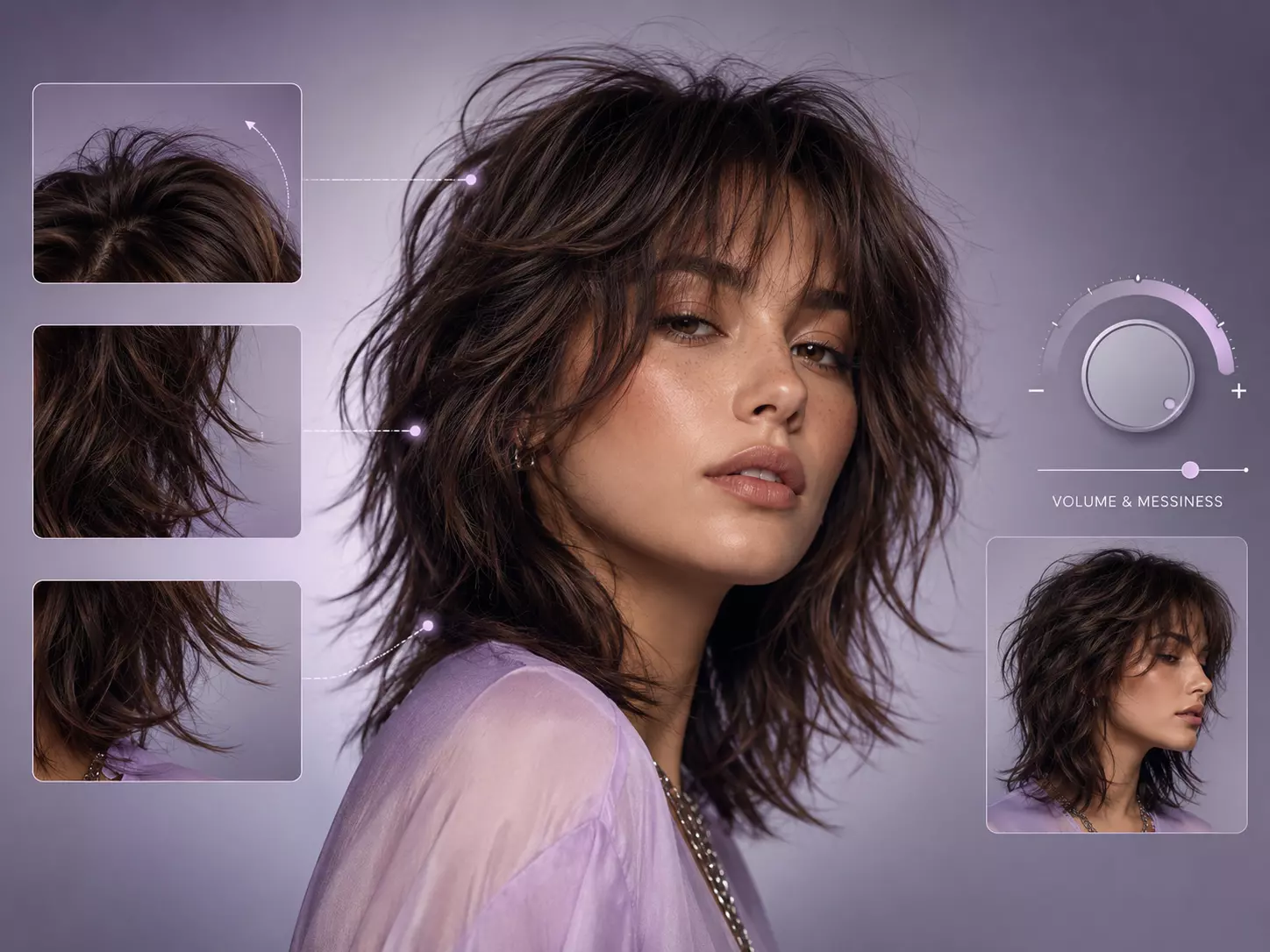
Dial in the shag's signature undone finish: airy roots, separated ends, rougher mid-length texture, and light face-framing movement. The preview shows whether extra volume adds attitude or overwhelms your features.
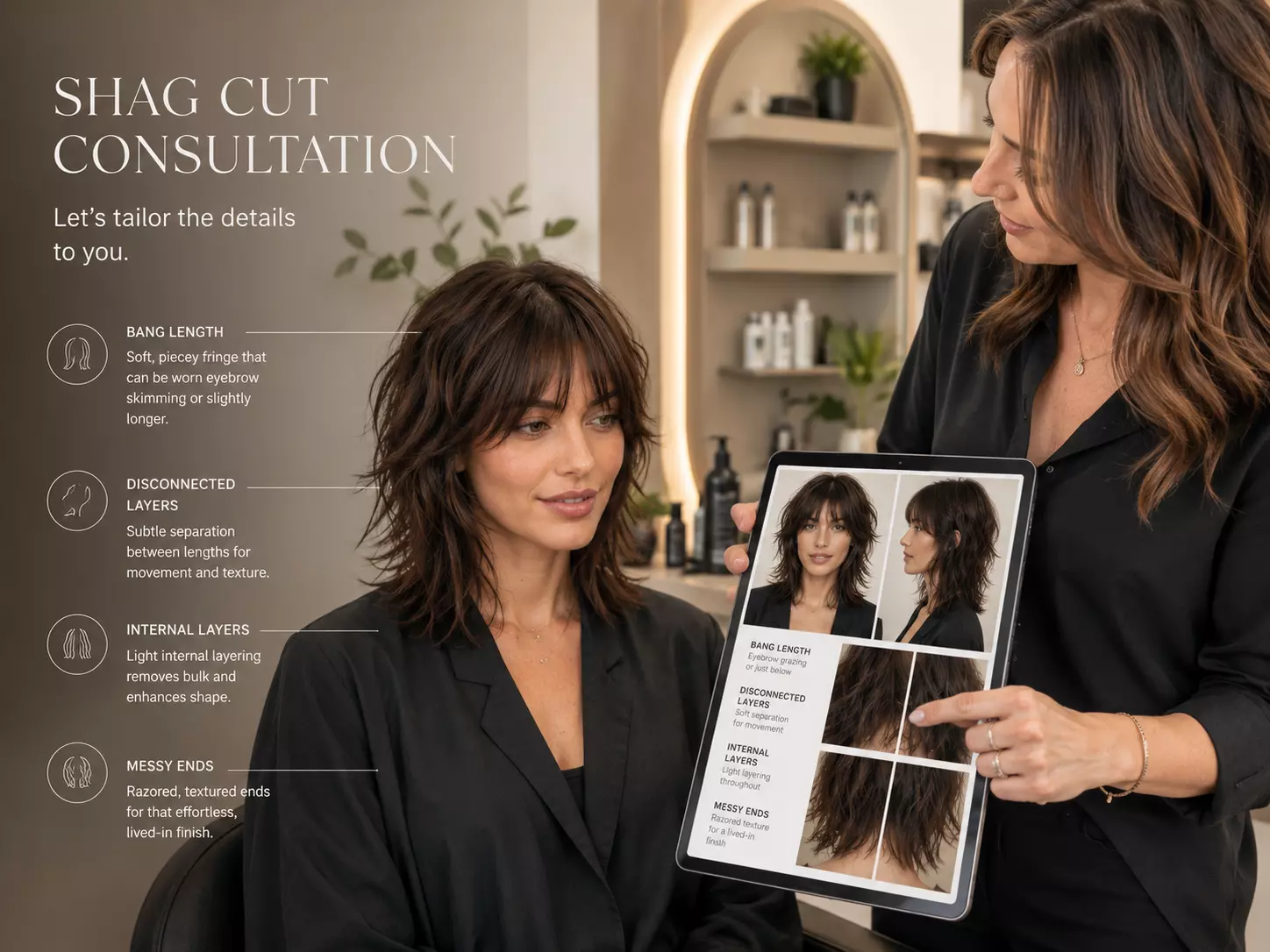
A shag cut needs clear direction: bang length, disconnection, internal layers, and how messy the ends should be. Bring a realistic preview so your stylist can understand the mood, not just the haircut name.
Build a messy-cool shag preview with fringe, broken layers, and lived-in texture before you book the cut.
Choose a clear portrait where your face, forehead, and current hair outline are visible. This helps the AI place shag bangs and uneven layers naturally.
Compare short piecey shag, long 70s-inspired shag, messy midi shag, or choppy bangs. Adjust fringe weight, crown lift, and razored ends.
Download the preview that captures your preferred texture, bang shape, and undone finish, then use it as salon or styling inspiration.
Test a lived-in fringe and tousled layers that look right with denim, boots, stage lights, and late-night plans.

See if a wash-and-go shag can make natural waves, cowlicks, and imperfect texture feel like part of the style.

Preview 70s-inspired bangs, cheekbone layers, and a slightly rebellious silhouette before changing your whole visual identity.

Experiment with a rougher, art-school texture that feels personal, imperfect, and more expressive than a neat layered cut.
Everything you need to know about previewing shaggy hairstyles with RightHair's AI hairstyle editor.
The filter reads your face shape, forehead area, and current hair outline, then builds a shag preview with choppy fringe, broken layers, crown lift, and piecey ends.
You can explore short piecey shag, long flowing shag, shag with choppy bangs, softer layered shag, and more rock-inspired textured cuts.
Yes. Both are layered, but shaggy hairstyles usually emphasize softer lived-in texture and face-framing pieces, while wolf cuts often create stronger crown volume and a more dramatic mullet-inspired shape.
Yes. Shag hair often depends on the fringe, so the filter helps you compare wispy bangs, choppy bangs, curtain fringe, and heavier brow-skimming shapes.
Yes. Save your favorite result and show it to your stylist as a visual reference for layer placement, fringe length, texture level, and overall silhouette.
Use a front-facing or slightly angled photo with your hair visible and your face unobstructed. Clear lighting helps the AI place layers and bangs more naturally.
Yes. You can tune the shag's messiness, piecey-ness, fringe density, crown lift, and razored edge effect to move between soft vintage and bold rock-inspired looks.
Yes. The AI can generate short shaggy shapes, medium layered looks, and longer flowing shag previews depending on the style you select.
The basic try-on flow is free. Some advanced options, such as high-resolution downloads or premium previews, may require an upgrade.
Your image is used for hairstyle preview generation and is not intended to be shared publicly or sold as part of the try-on process.